Searchable field lists
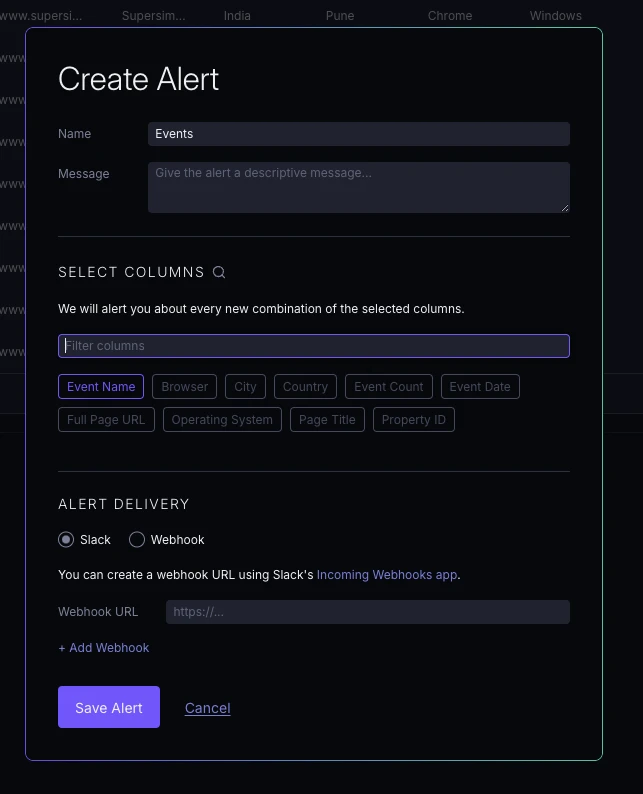
Long field lists now include a search input to help you quickly find the fields you need, available in alerts and 'Add column' flows.
New features, improvements, and fixes from the Supersimple team.
Long field lists now include a search input to help you quickly find the fields you need, available in alerts and 'Add column' flows.
You can now export records cell results to CSV format, with a default limit of 10,000 rows.
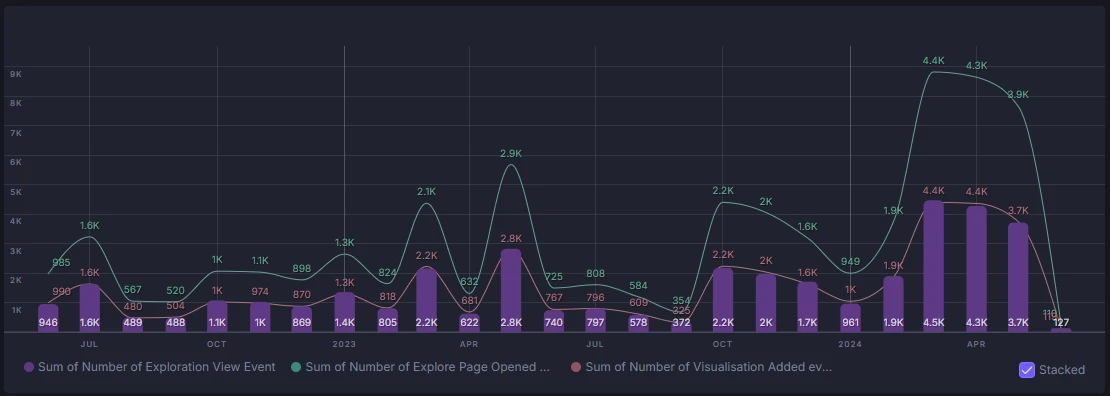
Bar value labels on time series charts are now more legible and consistently positioned at the bottom of bars.
Snowflake ❄️data warehouse support just landed.
Quarter functions in custom formulasThe new quarter() function to extract quarters from dates and extract(interval, 'quarter') to get quarter counts from intervals.
Primary keys and relation keys are now displayed without formatting for clearer data viewing.
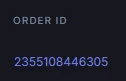
New 'raw' format displays values without formatting. You can also use 'default' in a formula format() function to reset to default formatting.
You can now copy blocks via the (...) dropdown and paste them into other explorations. Or even elsewhere in the same exploration. Or even a different account. Go crazy!
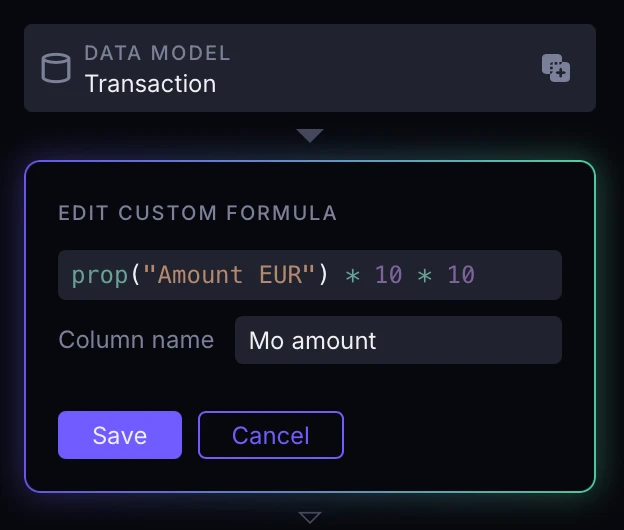
Custom formulas now supports standard operators including +, -, *, /, ==, !=, <, <=, >, >=, &&, and || for more intuitive formulas (deprecating add(), gte() etc).
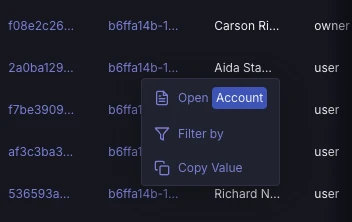
Click on horizontal bar chart category labels to quickly add filters.
Click on the "Data model" step of a block to replace the source with a different model or even an instance of another block in the same exploration.
The sidebar has been redesigned with a new, more compact layout.
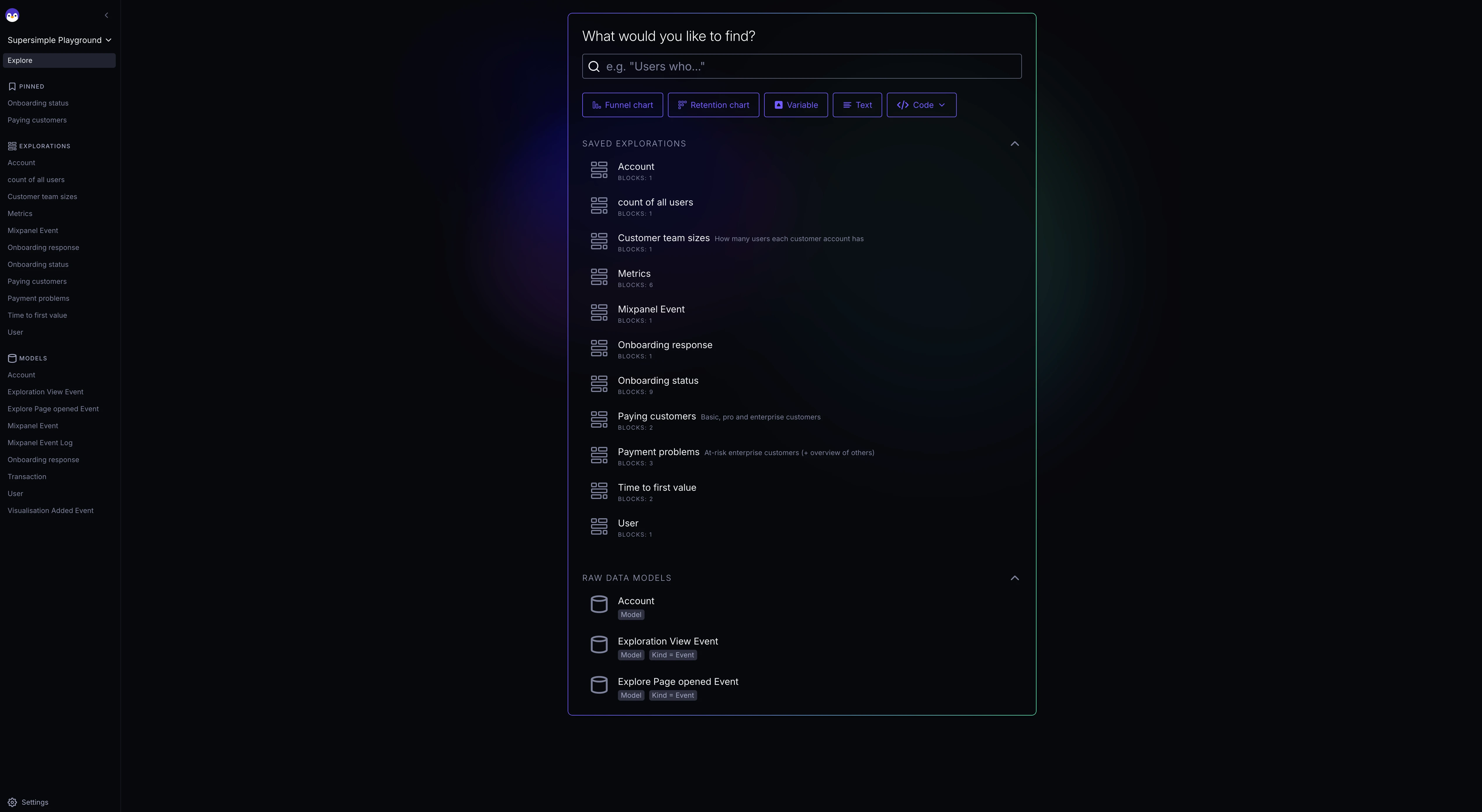
You can now view the underlying YAML structure for records, funnel, and retention/cohort blocks. See operations in docs for how to use this!
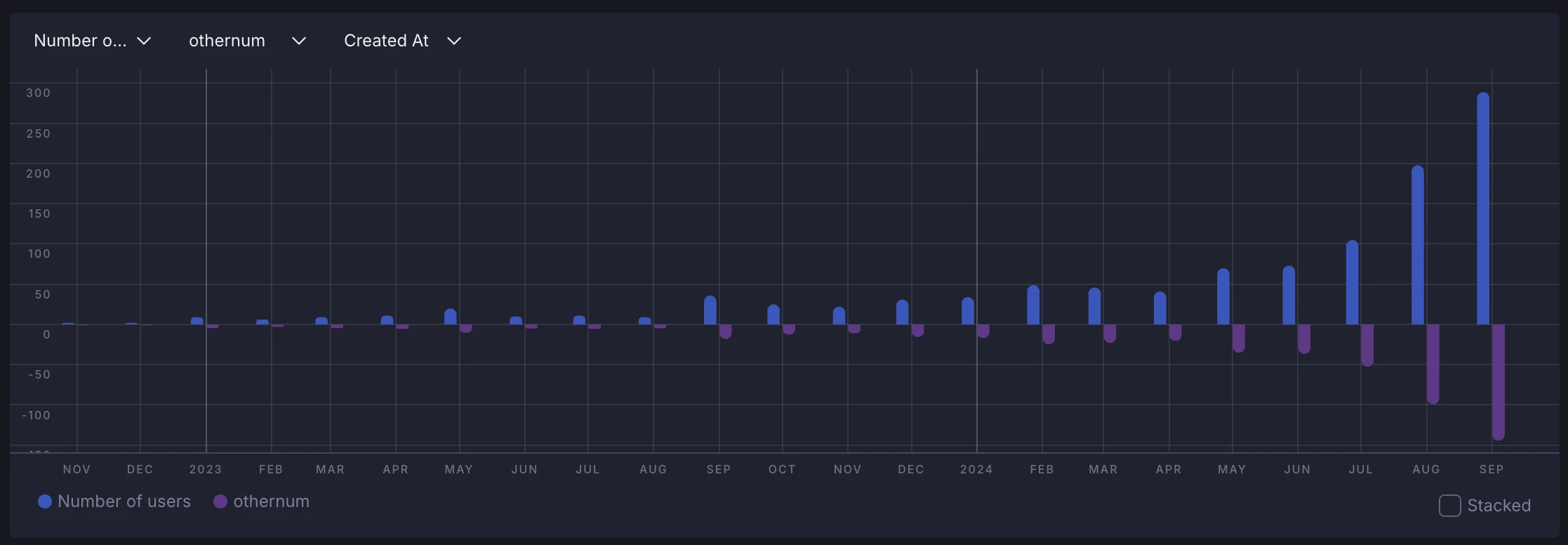
Bar charts can now handle negative series! Those not working great used to be a negative thing. It's now a positive. Because they work.
Charts now inherit number formatting that you've configured elsewhere: be that currencies, percentages, or anything else.
You can now define number, currency, and date formats for model properties directly in your YAML configuration files.
Escape to deselect blocksPress the Escape key to quickly deselect and close the edit view for any block, or context menu, dropdown, or modal.
Click inside any time series chart and hit "Filter by" to quick-create the appropriate filter to dig deeper.
You can now change the color of individual chart series.
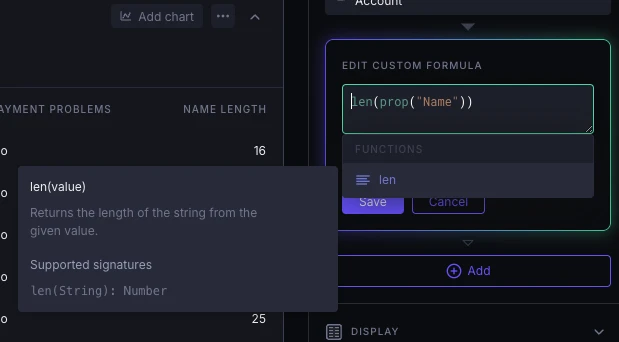
len() custom formula functionA new len() function is now available in custom formulas for measuring the lengths of text-like fields.
CLI version 2.7.8 brings improved help texts, better error messages with specific line numbers, clearer reporting of deleted objects, and an overall friendlier user experience.
The records view pagination now displays the current page number.
Various improvements to Canvas view:
Models are now more visually distinguishable when entering a detail view, making it clearer which model you're working with.
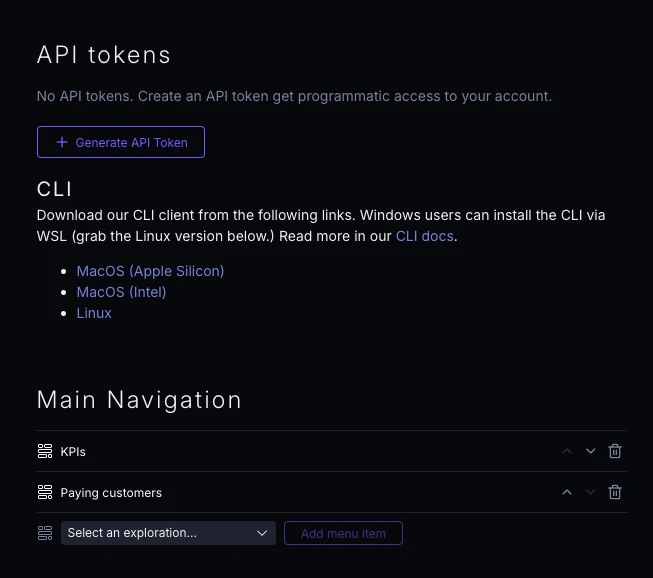
The Supersimple CLI is now available for download directly from your account settings, with support for macOS and Linux.
You can now format numbers and dates using formula functions, with support for percentages, currency, and custom date formats.
The search box now expands to multiple rows when needed, letting you type and read long prompts without horizontal scrolling.
Time series charts can now show numerical values directly on the chart when you tick on "Show values".
Renaming a field you created using "New Column" no longer breaks downstream dependencies. Hooray!
You can now move backward and forward through your exploration history using standard undo/redo shortcuts (Cmd+Z, Cmd+Shift+Z, or Cmd+Y).