Changelog

New features, improvements, and fixes from the Supersimple team.

Collapsible model sections in the sidebar

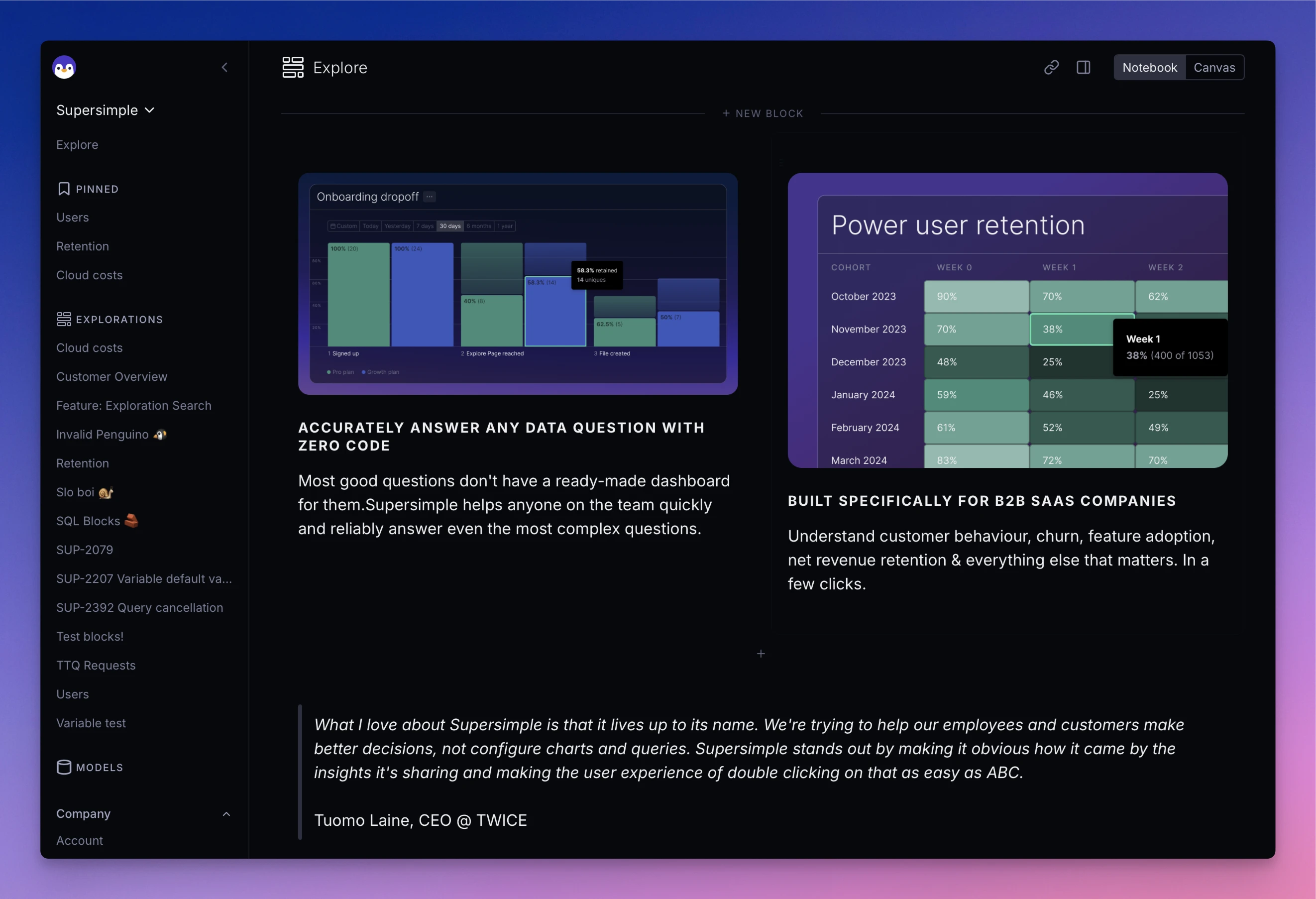
Model sections in the sidebar can now be collapsed and expanded for better organization and navigation.

Other improvements

  • Toast notifications have a new look to them.

Searchable field lists

Long field lists now include a search input to help you quickly find the fields you need, available in alerts and 'Add column' flows.

Add search to field lists

Export records to CSV

You can now export records cell results to CSV format, with a default limit of 10,000 rows.

Raw field formatting

New 'raw' format displays values without formatting. You can also use 'default' in a formula format() function to reset to default formatting.

Copy and paste blocks between explorations

You can now copy blocks via the (...) dropdown and paste them into other explorations. Or even elsewhere in the same exploration. Or even a different account. Go crazy!

Improved mathematical and logical operators in formulas

Custom formulas now supports standard operators including +, -, *, /, ==, !=, <, <=, >, >=, &&, and || for more intuitive formulas (deprecating add(), gte() etc).

Add mathematical and logical operators to Penguino

Other improvements

  • Window functions can now be combined with other calculations without needing intermediary extra steps

Replacing the base model of a block

Click on the "Data model" step of a block to replace the source with a different model or even an instance of another block in the same exploration.

Negative values in bar charts

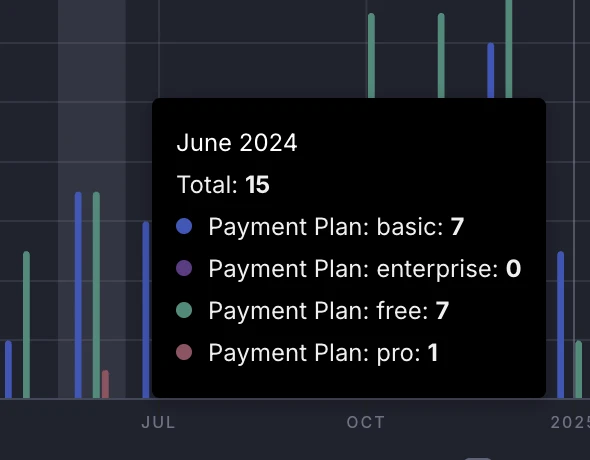
Bar charts can now handle negative series! Those not working great used to be a negative thing. It's now a positive. Because they work.

Support negative values in bar charts

Customized number formatting in charts

Charts now inherit number formatting that you've configured elsewhere: be that currencies, percentages, or anything else.

Other improvements

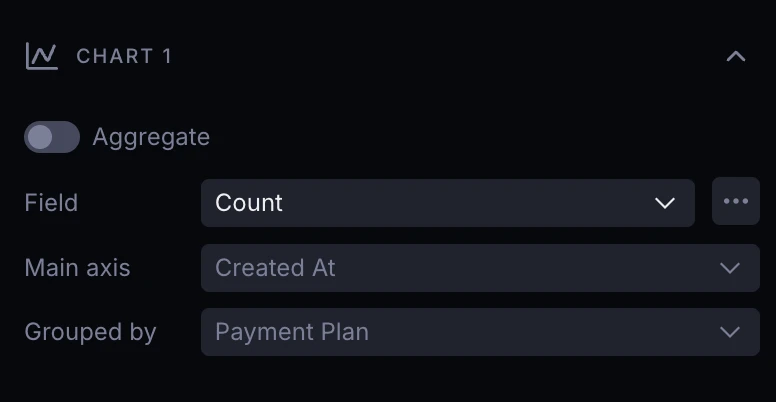
  • Time series chart legends are now easier to read when displaying combined series with multiple groupings.

Quick-filter time periods from charts

Click inside any time series chart and hit "Filter by" to quick-create the appropriate filter to dig deeper.

Other improvements

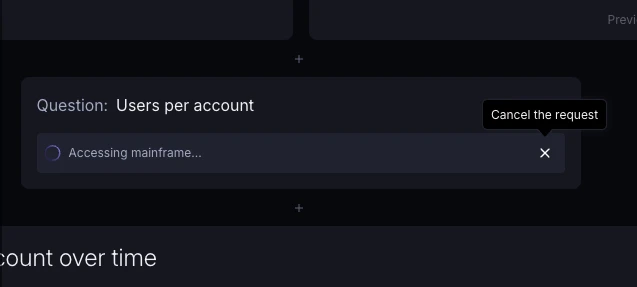
  • When AI is not able to fully answer your question, it makes this clear using an additional text block.

Improved CLI usability and error messages

CLI version 2.7.8 brings improved help texts, better error messages with specific line numbers, clearer reporting of deleted objects, and an overall friendlier user experience.

Canvas quality-of-life improvements

Various improvements to Canvas view:

  • New blocks get centered in the viewport;
  • Canvas auto-zooms to the selected block;
  • Performance improvements.

Improved UX for long AI prompts

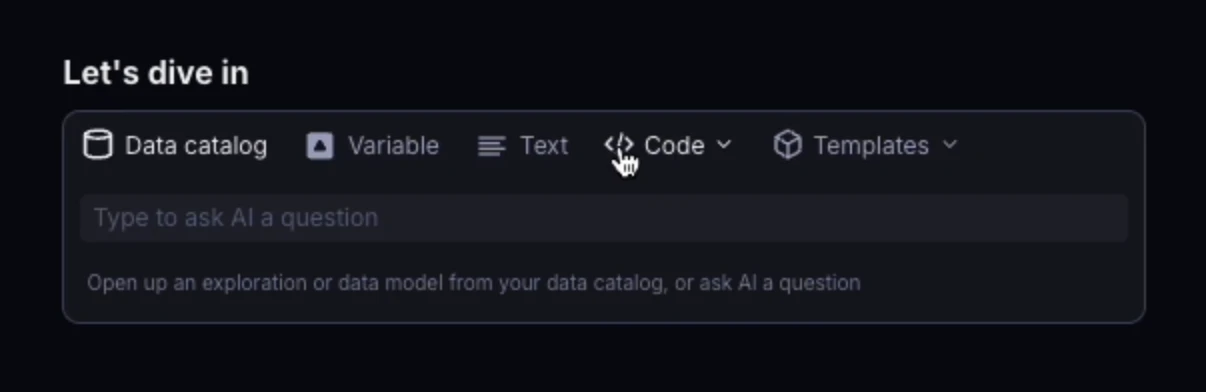
The search box now expands to multiple rows when needed, letting you type and read long prompts without horizontal scrolling.