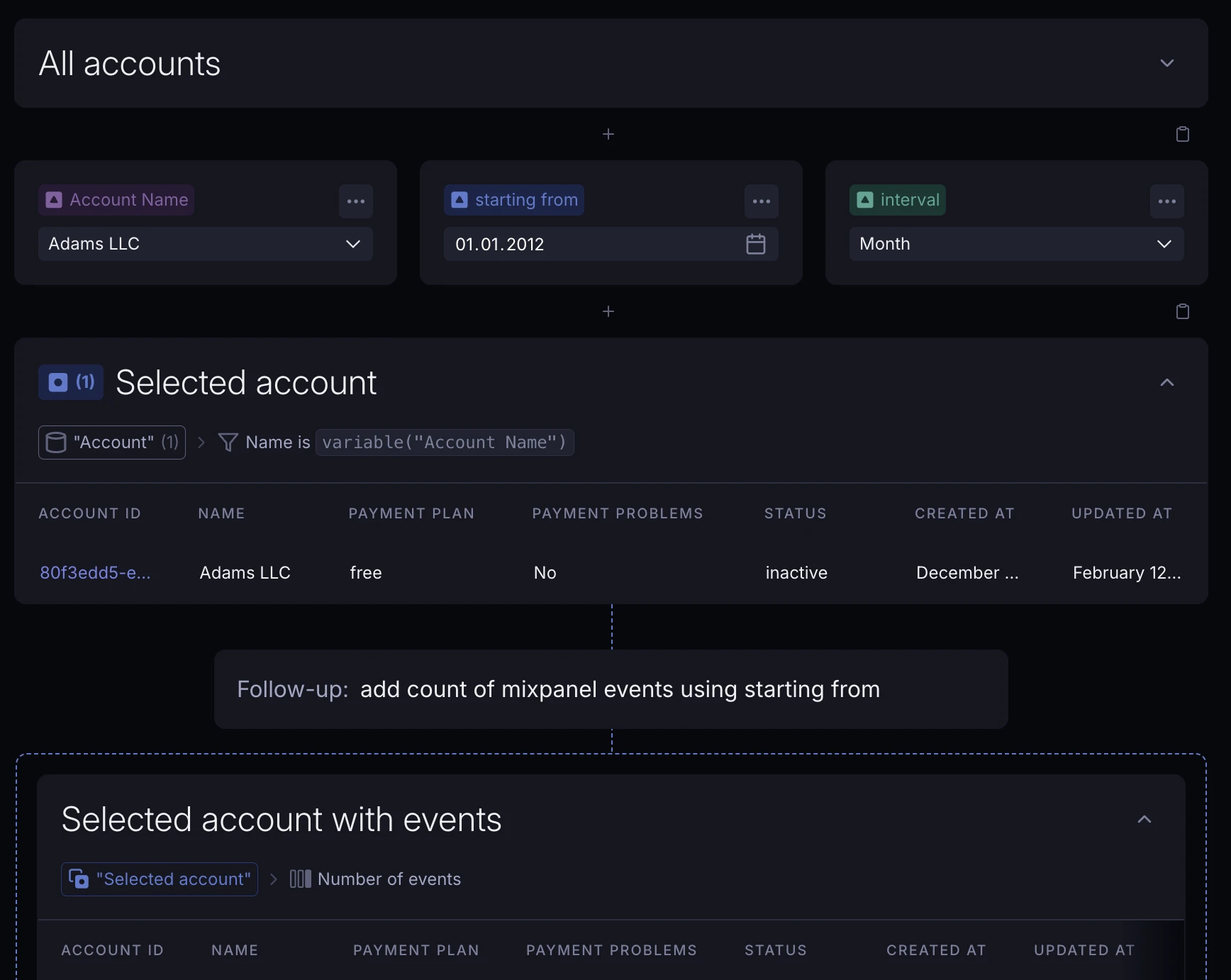
Automatically learn Slack channel history
When the Supersimple Slack bot is added to a new Slack channel, it will now automatically discover and index that channel's history.
New features, improvements, and fixes from the Supersimple team.
When the Supersimple Slack bot is added to a new Slack channel, it will now automatically discover and index that channel's history.
Variables whose types don't fit a certain use case are now clearly marked as disabled, and show a tooltip outlining the issue.

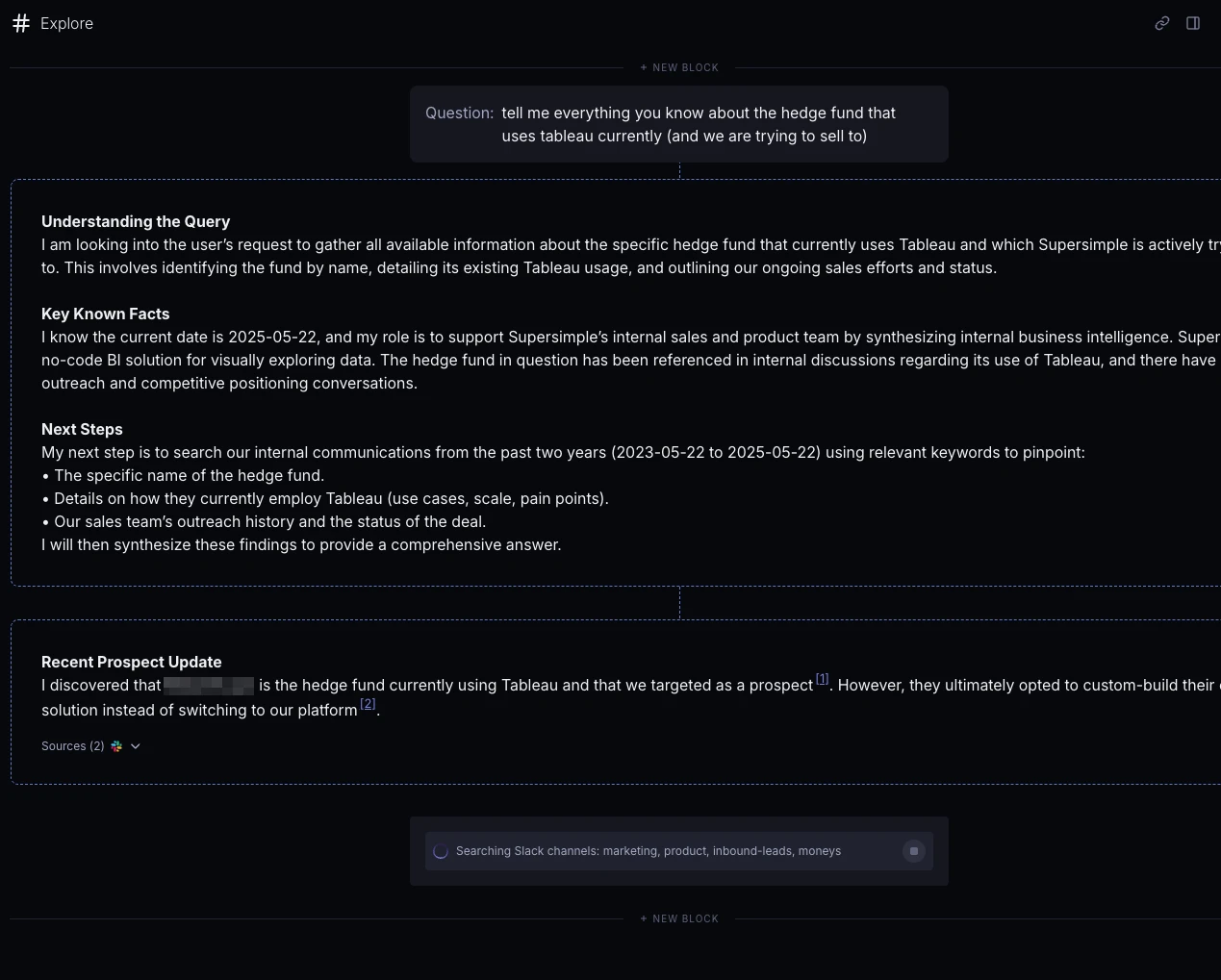
AI now streams in progress updates as it thinks.
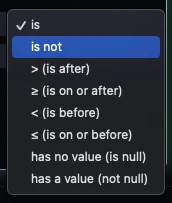
Filter operators now automatically switch to match the variable type you're working with. Less manual work, hooray!
AI settings now separate mode selection from data source options.
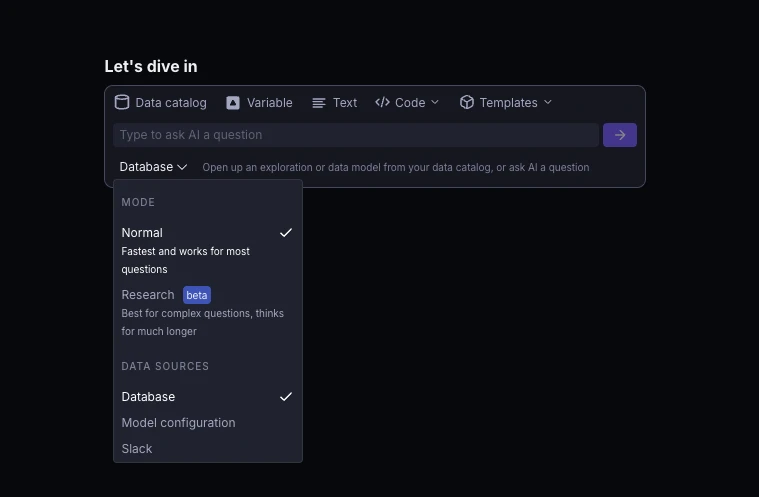
Our new Research agent can run a large number of searches across both your data warehouse & unstructured data sources. Currently only available to select accounts – contact us for access!
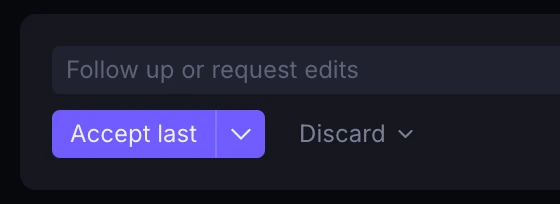
Users can now choose to accept or discard just the last reply or the entire conversation.
AI now remembers your last used data source(s) and defaults to that for the next message.
You can now filter for fields from related hasOne models without first "bringing them into" the table via New Column.
Each relation's fields are under a relevant subheading in the Filter field dropdown.
You can now organize explorations into folders in the sidebar by prefixing their names with a parenthesised name, e.g. (My Folder Name) My Exploration.
You can now toggle both stacking and "show values" from the chart options sidebar.
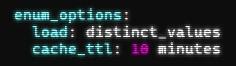
Dynamic enum values are now cached for better performance, with configurable TTL (default 6 hours). See docs for more!
You can now specify data sources when asking AI a question.
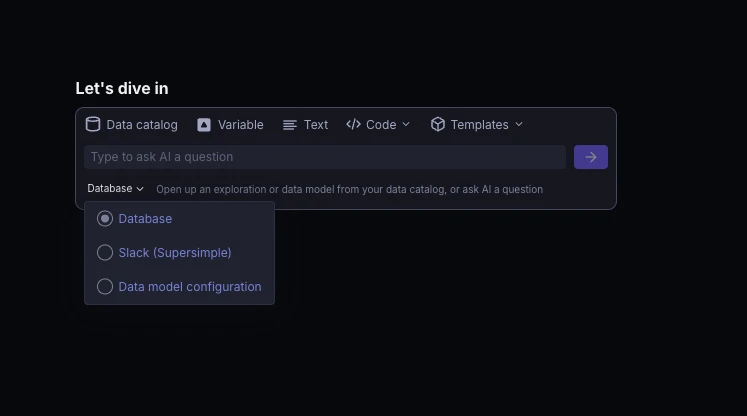
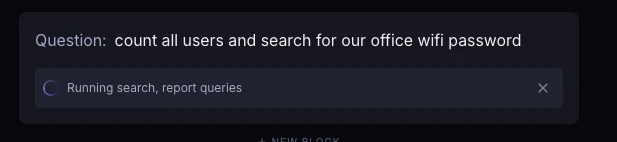
Supersimple's AI can now query multiple data sources simultaneously.
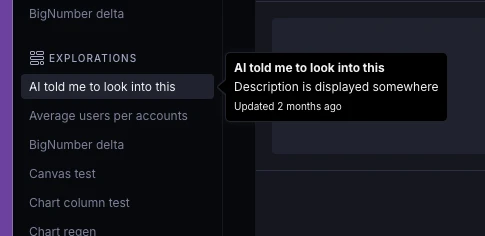
Hovering explorations in the left sidebar now displays information on when they were last edited. And, even more details in the right sidebar once you open up an exploration.
The data model now supports defining operations within hasMany relationships for more complex join logic. See docs for more!
You can now click directly on chart elements to drill down into the relevant data on a row level.
net_work_days formula functionThe new net_work_days(start_date, end_date) function calculates the number of business days between two dates, excluding weekends.
Enum options can now be loaded dynamically from queries, instead of having to hardcode every value. See docs for more!
models:
  user:
    properties:
      country_code:
        type: Enum
        enum_options:
load: distinct_valuesNew CLI commands discover bigquery enum and discover postgres enum make it easier to document enum values in your database schema.
Supersimple's AI now dynamically determines the amount of reasoning that's required to answer a question. This means significantly faster responses and requests for clarification in many cases, while allowing the AI to think deeper when needed.
Text blocks now support embedding videos from public URLs. Even richer notebooks!
We now prune unused no-op no-code steps from your blocks. This leads to more easily readable compiled SQL and, in many cases, more performant queries.
Single date values are now properly displayed in time series charts.
Chart quick-settings now hide when unticking "Show steps".
Date filtering now supports date ranges with 'is' and 'is not' operators, in addition to single dates with 'is after' and 'is before'.
Bar charts now support manual sorting – find it in the chart settings sidebar.
AI now performs up to 20x faster in large explorations. Some would say it's thanks to optimizations. Others would claim it's because we found something really dumb that we'd done.
You can now customize individual chart series from the legend, including chart type, color, value display, and axis assignment. And, you can reset the options to defaults.
The AI assistant now understands explorations that use variables. This means it can help you wire up variables across blocks when answering questions, too!