Override enum filter options with custom values
You can now provide custom values in enum filters, allowing you to handle cases where enum options change over time or when working with dynamic enums that have too many values to display.
New features, improvements, and fixes from the Supersimple team.
You can now provide custom values in enum filters, allowing you to handle cases where enum options change over time or when working with dynamic enums that have too many values to display.
You can now expand the AI's progress to see its thought process, how it's splitting up its work, and the progress of each task.
The List of aggregation now includes a 'Deduplicate' toggle to automatically remove duplicate values from the output field.
Every block now has a quick-access "Ask AI" button. For, you know, even quicker access to our AI when asking about a pre-existing chart or table.
You can now collapse values into one field using the List of aggregation, usable both under Summarize and New Column steps.
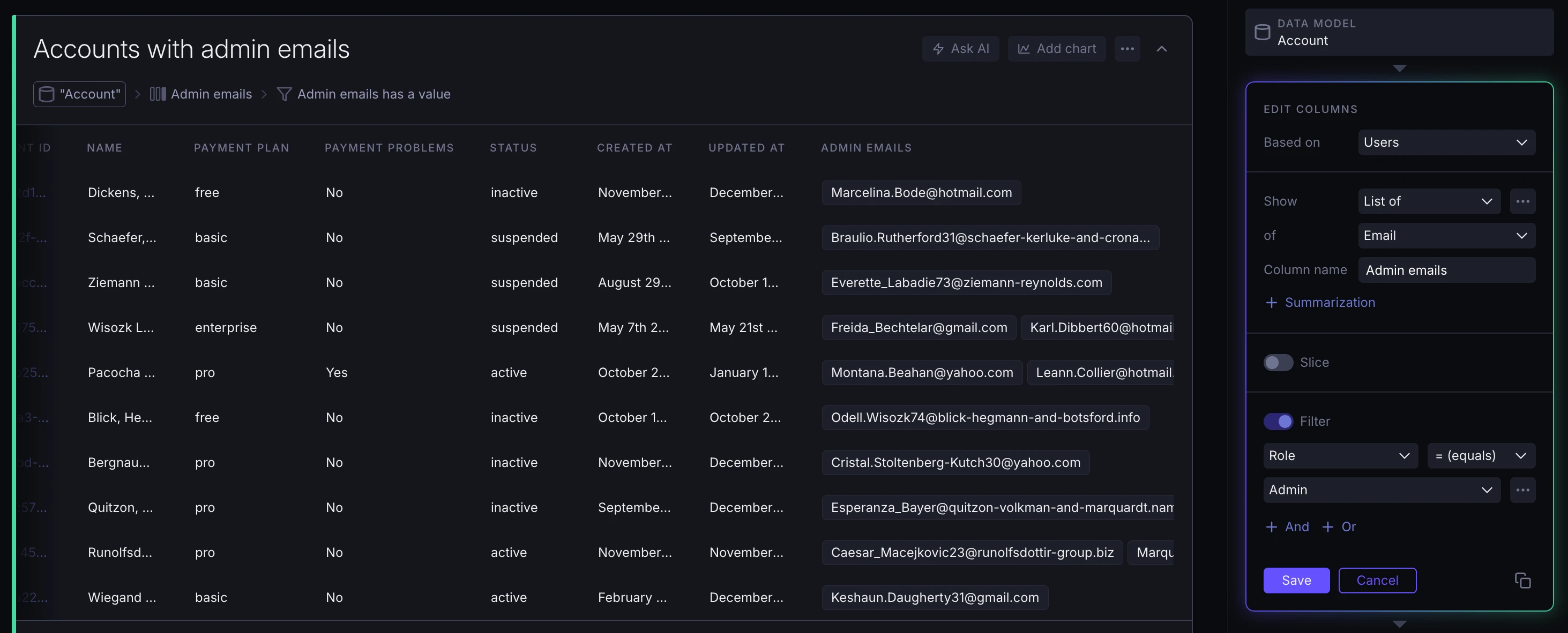
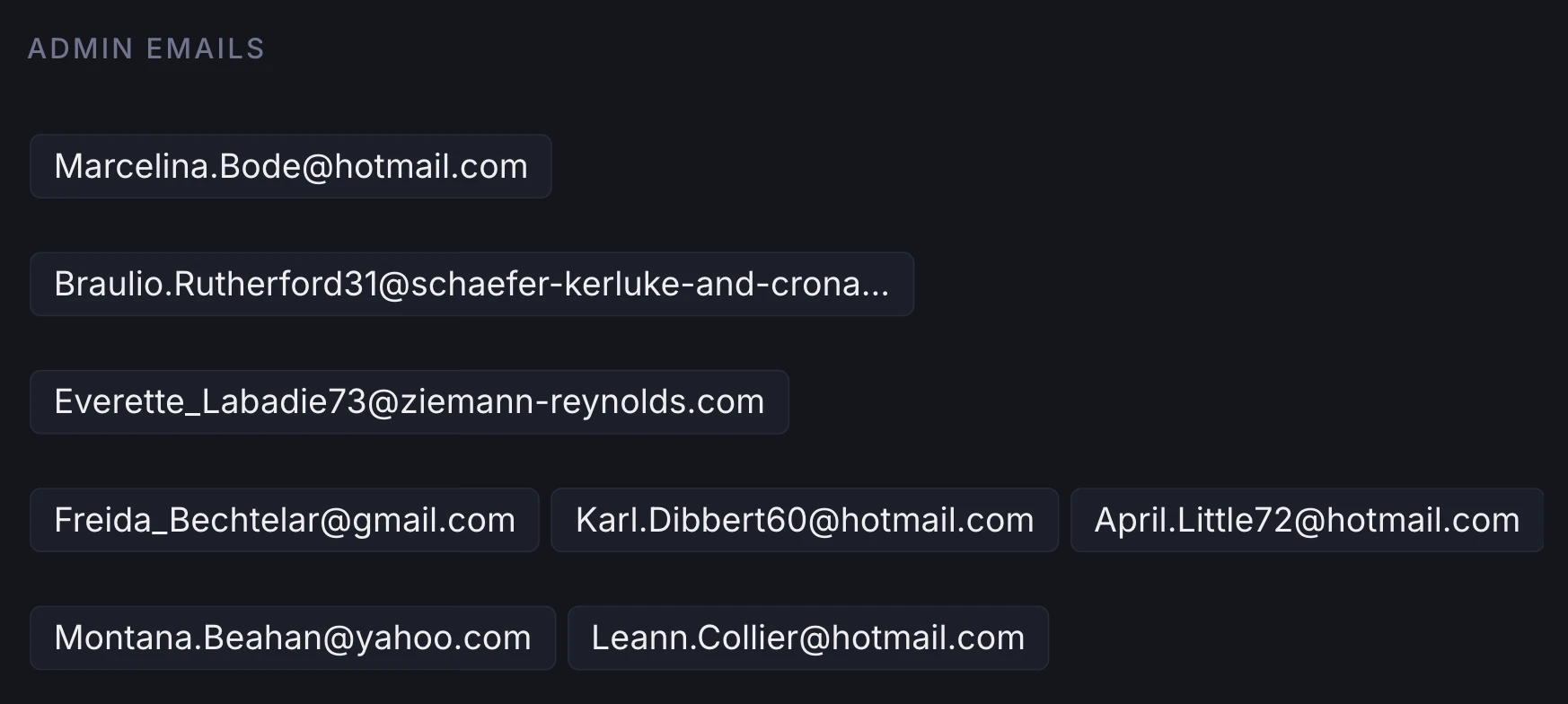
The resulting field visually collapses every one of these values into a tag box.
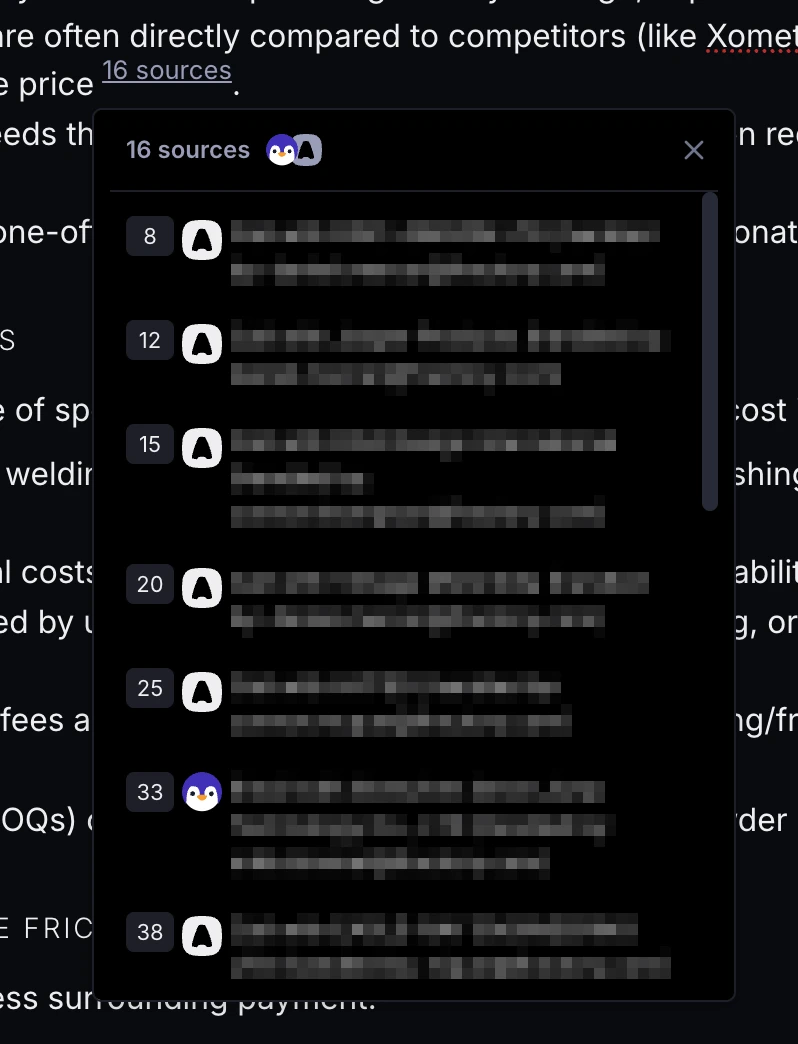
When AI provides multiple references for the same claim, these are now grouped together and shown in a popover with links to each.
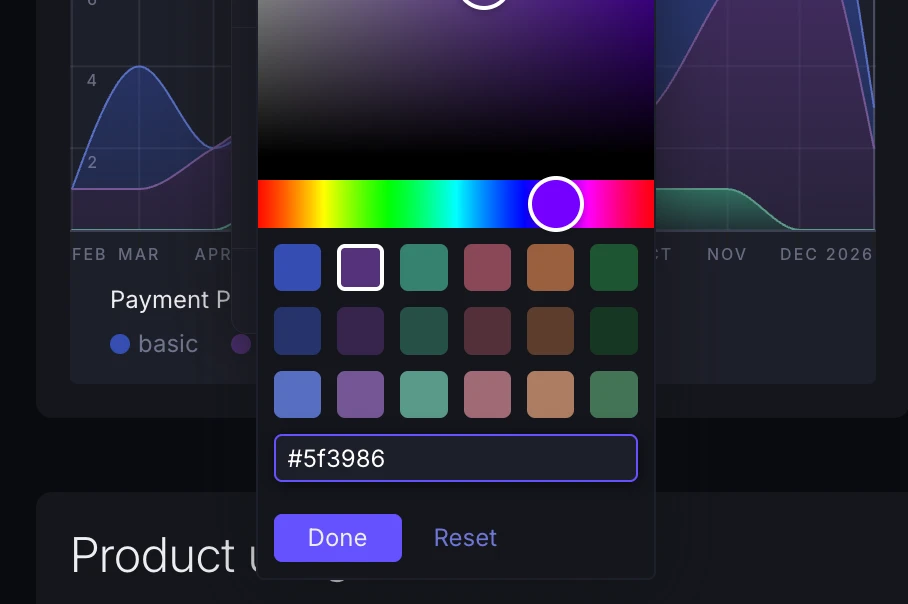
You can now give charts exact hex color codes, in addition to picking presets or using the color picker.
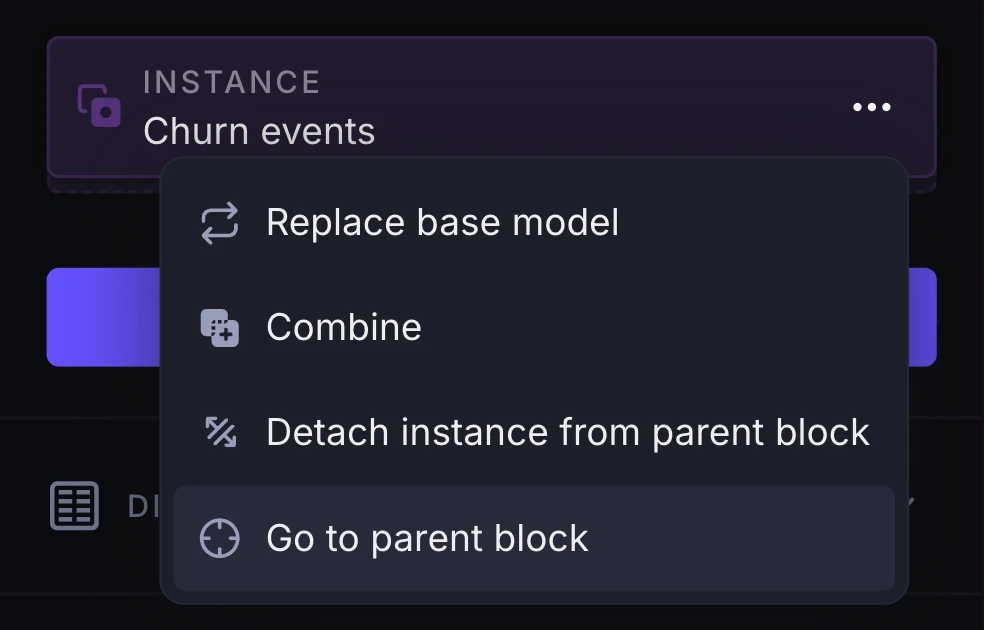
Wherever you see references to other blocks (e.g. instances, combined blocks, funnel or retention chart inputs) you'll now find a new option to go to that "parent" or otherwise-linked block.
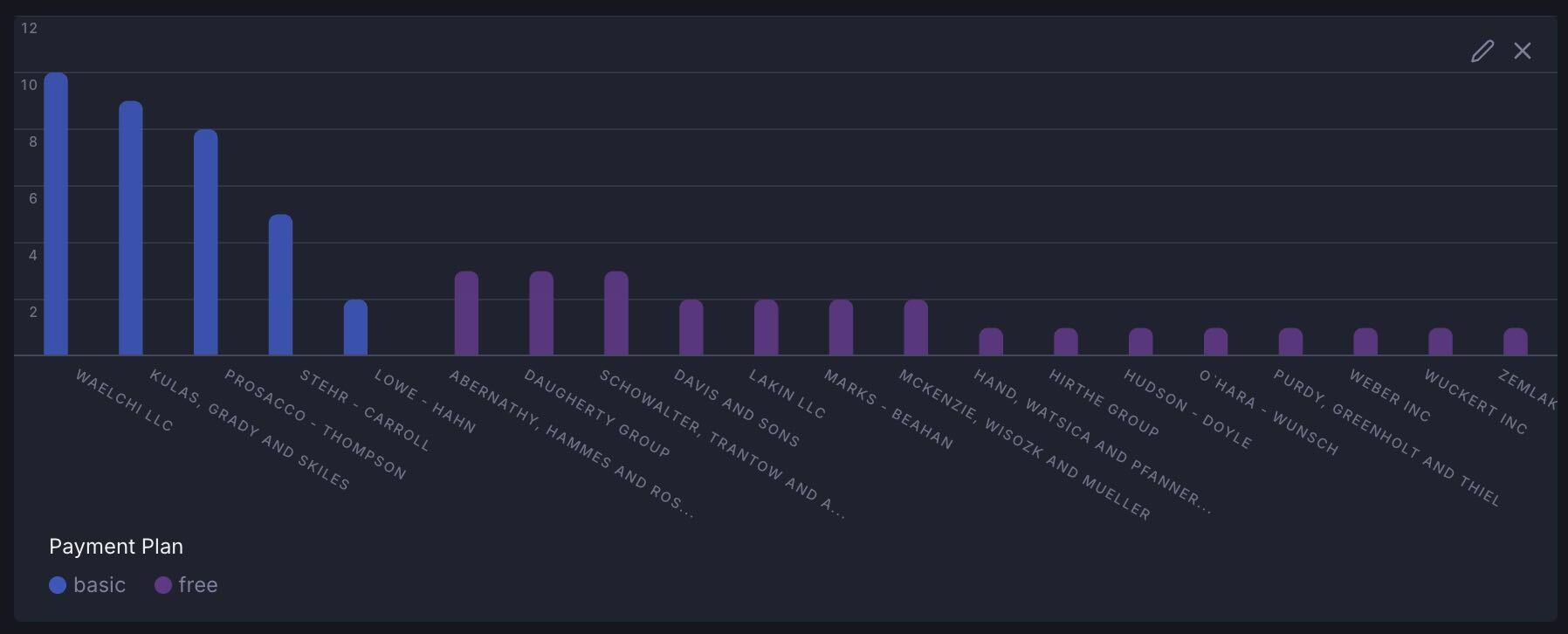
Category chart labels now auto-rotate to a diagonal orientation when the chart gets too crowded. This helps more things fit without you having to fiddle with settings.
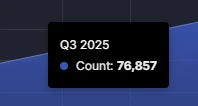
When you're charting unaggregated time series data, charts now auto-detect the time interval between data points. This lets you see something like Q3 2025 instead of 2023-10-01T00:00:00.
The new Data models page under account settings visualizes your account's data models, their fields and relationships on a canvas.
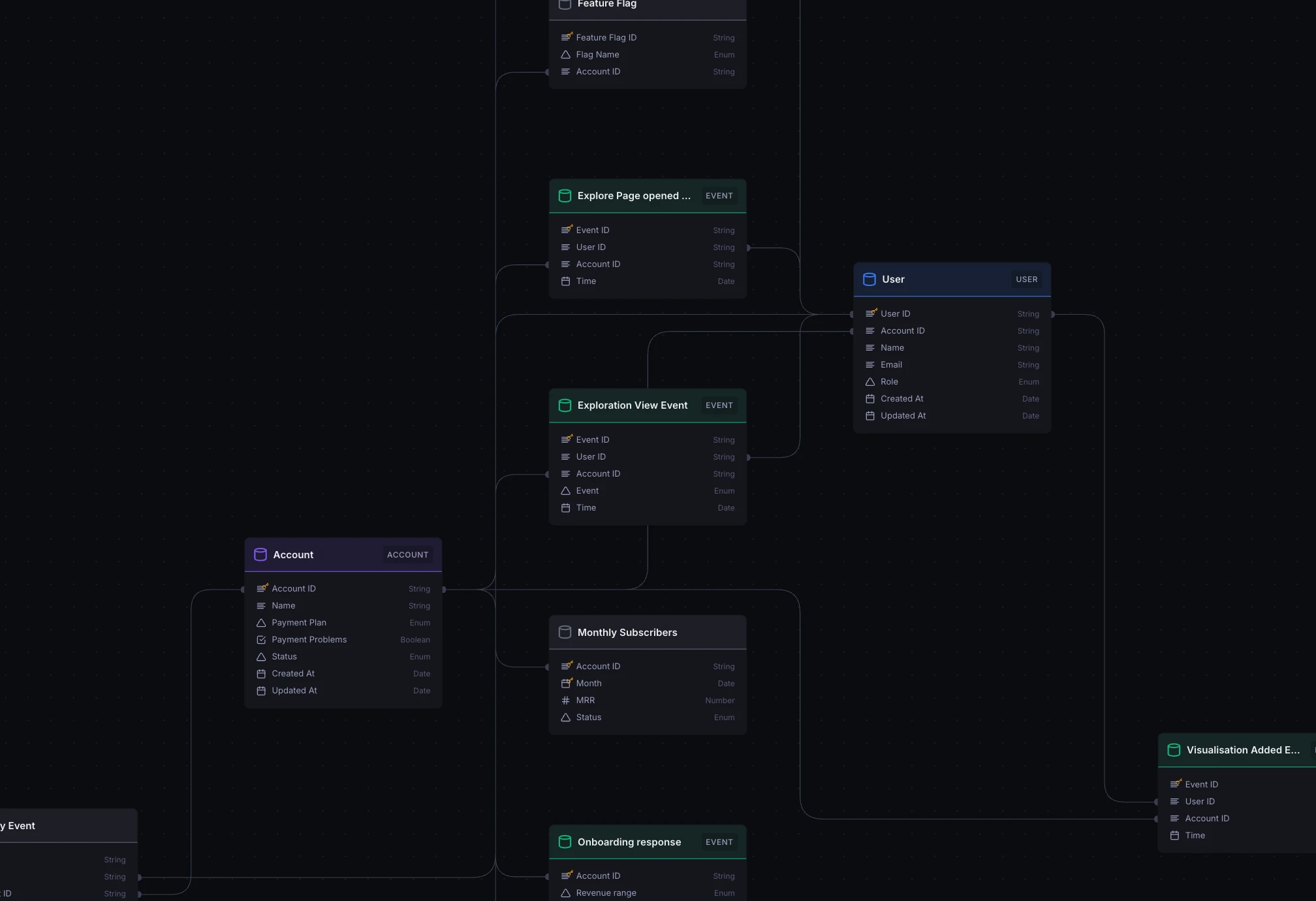
Hover fields to highlight relationships, and rearrange models as you see fit.
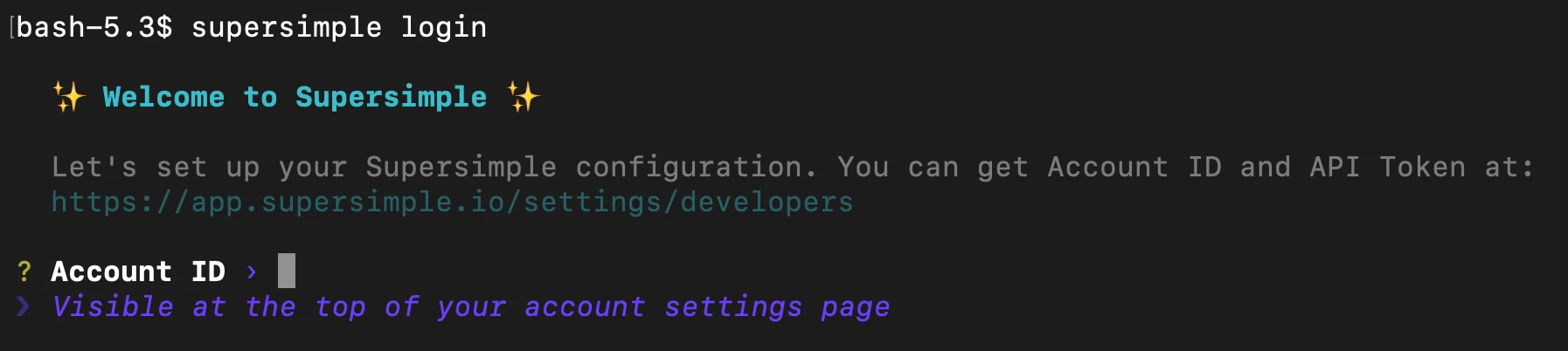
The Supersimple CLI now supports an interactive supersimple login command to set up your environment.
If you do have environment variables already set up, those will take precedence.
supersimple discover CLI commands now default to reusing your account's already-configured data warehouse connection. This lets you more easily run data model discovery and updates, without needing your own computer to be IP-whitelisted or even having the credentials at hand.
Charts now fade other series when you hover over one, making it easier to focus on the data you really care about.
Blocks no longer get auto-selected when you're simply interacting with their quick-filters, pagination, or other quick actions. Keep your selection where you want it. And to really select a block, click its title or anywhere else that isn't an immediate action.
In addition to account-wide system instructions, you can now universally guide AI behaviour through instructions specific to each integration and database connection. Find it under Account settings -> AI.
Dropdown menus got a visual overhaul and can now be navigated with your keyboard! Finally.
Databricks data warehouse support has officially landed!
Python blocks now share dependencies more efficiently, significantly improving performance whenever the same dependencies are needed across different blocks, and when re-running an existing Python block.
Thanks to several optimizations, AI queries respond up to 3x faster. More questions, more answers, less time.
You can now hide columns directly from the table header dropdown menu.
Supersimple has been mobile-friendly since day 1. Nevertheless, we shipped a big bag of various improvements to make navigating explorations and changing steps on mobile a smoother experience.
You can now drag and drop to reorder columns in tables. The order persists when you save or share the exploration.
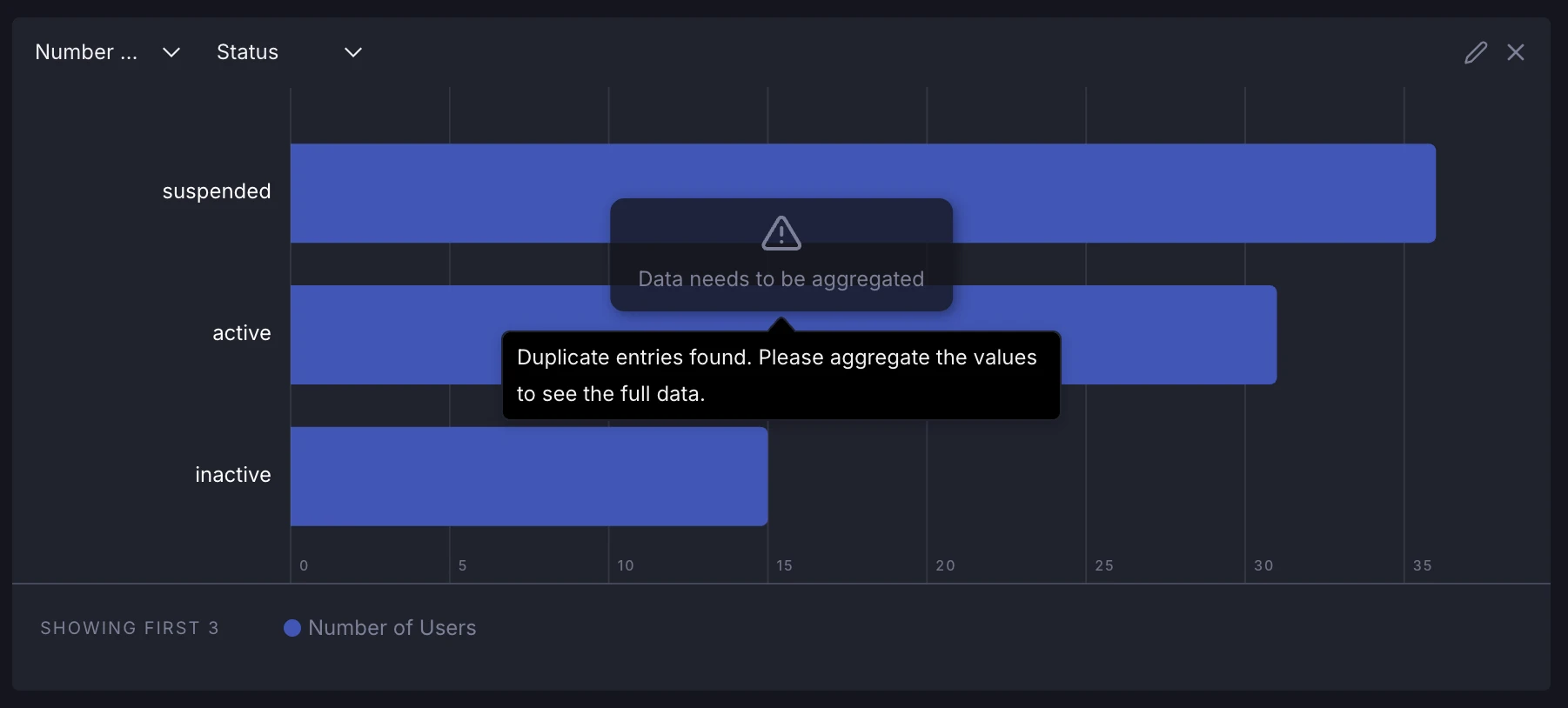
Non-aggregated charts now detect duplicate values where none are expected. In this case, we now show a non-dismissable warning, as this can lead to non-obviously incorrect results.
As the Settings page had grown over the years, it was in dire need of reorganization. It's now split into subpages for General settings, Alerts, Integrations, AI, and Developer options.
In one of those newly-created tabs, Integrations, you can now setup our native Google Drive and Notion integrations without ever talking to support.
Horizontal bar charts now support a secondary axis, and axis labels have been repositioned inside the chart area for better symmetry.
Filtering with "is one of" or "is not one of" on enum fields now uses a more intuitive, searchable multi-select input.
Added support for Amazon Redshift data warehouses.
Google Drive integrations now support incremental sync of shared folders, meaning updates reach Supersimple even faster.
Google Drive now syncs incrementally, updating only changed files instead of re-syncing everything for faster and more efficient updates.