Search agent safeguards
Search agent now automatically detects and fixes issues with citations, hallucinated content, and malformed responses to improve reliability.
New features, improvements, and fixes from the Supersimple team.
Search agent now automatically detects and fixes issues with citations, hallucinated content, and malformed responses to improve reliability.
Supersimple's AI can now work across significantly longer time horizons. You can even close the tab & come back to it later, without losing any progress.
Previously limited to a select few, our most advanced analysis agent is now available to all customers!
The agent is able to combine data across multiple data sources – for example, finding unstructured context about your data models from internal docs or Slack, and using this information to put together correct database queries later.
You can now filter on related fields through hasOne and hasOneThrough relations in New Column filters, without first "bringing in" that data into your table.
Chart labels are now significantly smarter at avoiding overlap with nearby labels – nudigng themselves around when needed.
Charts with Big Numbers now support period-to-date comparisons, as well as a cleaner overall comparison setup UI.
For example, you can now, in one click, compare this month's sales to the same time last month. Alright, if you haven't opened the comparison options yet, it might take you one extra click.
Links in your questions and messages now appear as clickable chips for easier interaction.
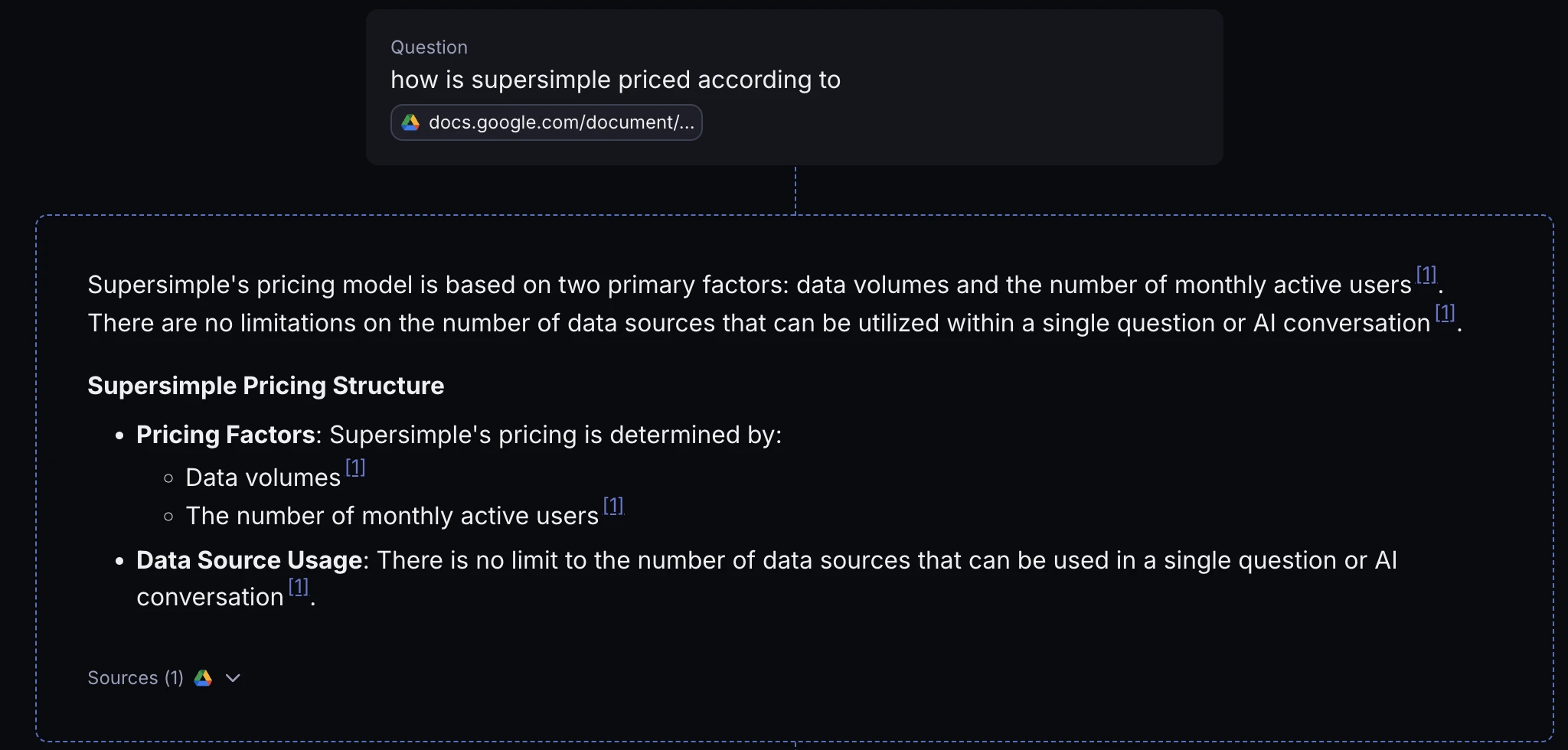
You can now import and search within ASICE (digitally signed) files across your connected unstructured data sources.
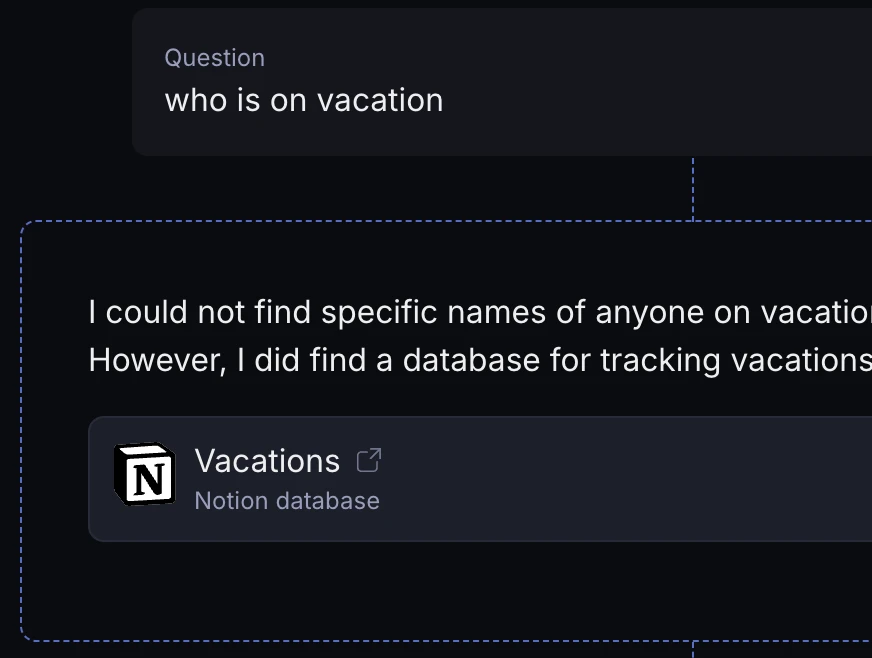
In addition to referencing sources like Notion pages in footnotes, AI now draws your attention to the most relevant documents in a bigger callout.
In Canvas view, blocks now snap to each other, both when resizing as well as moving them. May your canvas look tidy!
You can now Combine more than 2 blocks together at once. Any number, really. Please combine responsibly.
Keyboard lovers can now quickly access AI settings by pressing the Down arrow key while in the text input.
Supersimple's enterprise search now supports Notion as our latest native connector. Pages and databases are kept up-to-date in custom search index.
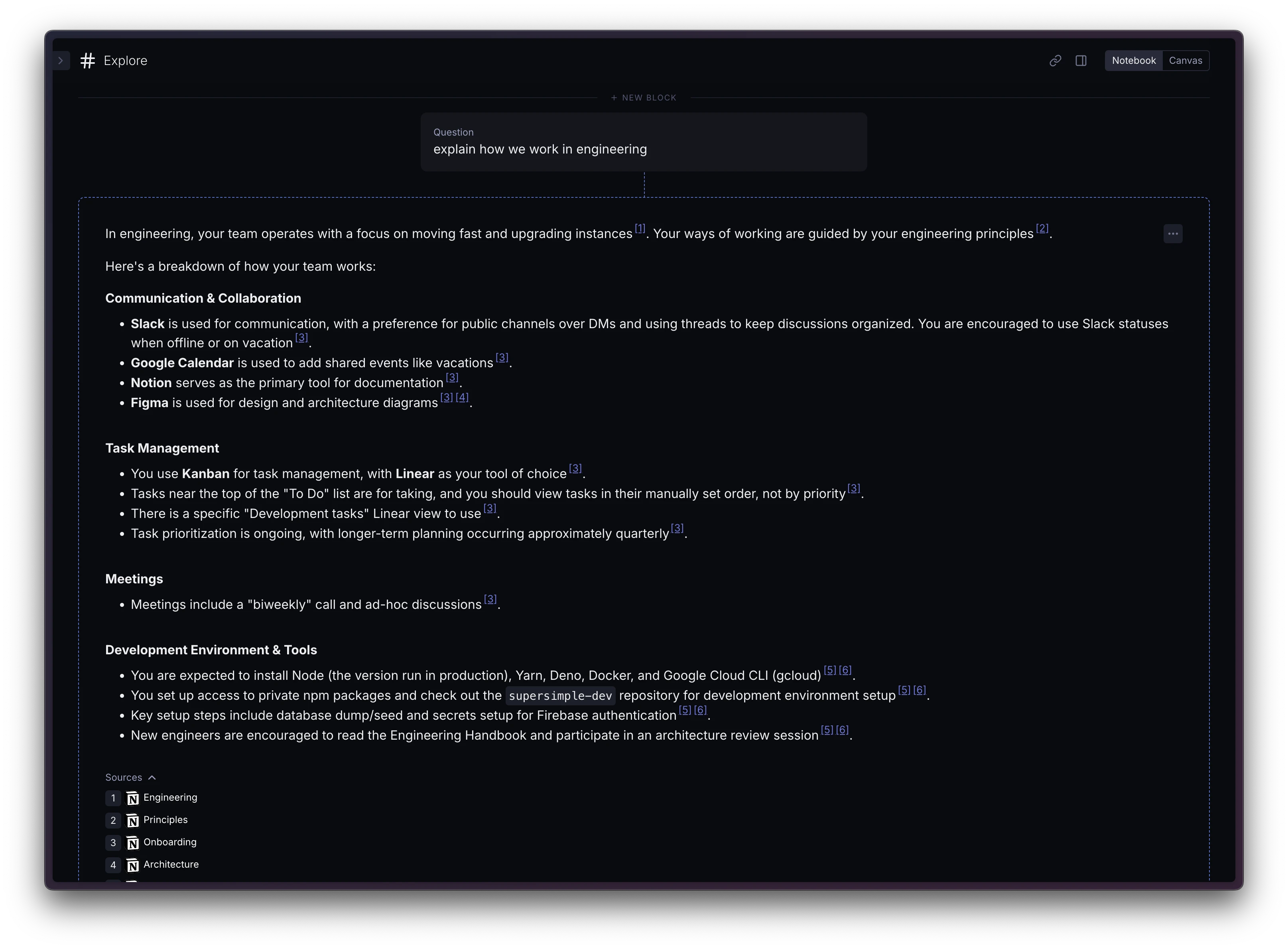
Supersimple's AI has gained valuable new skills, too – namely, navigating Notion databases, parent pages, sorting, filtering, and more.
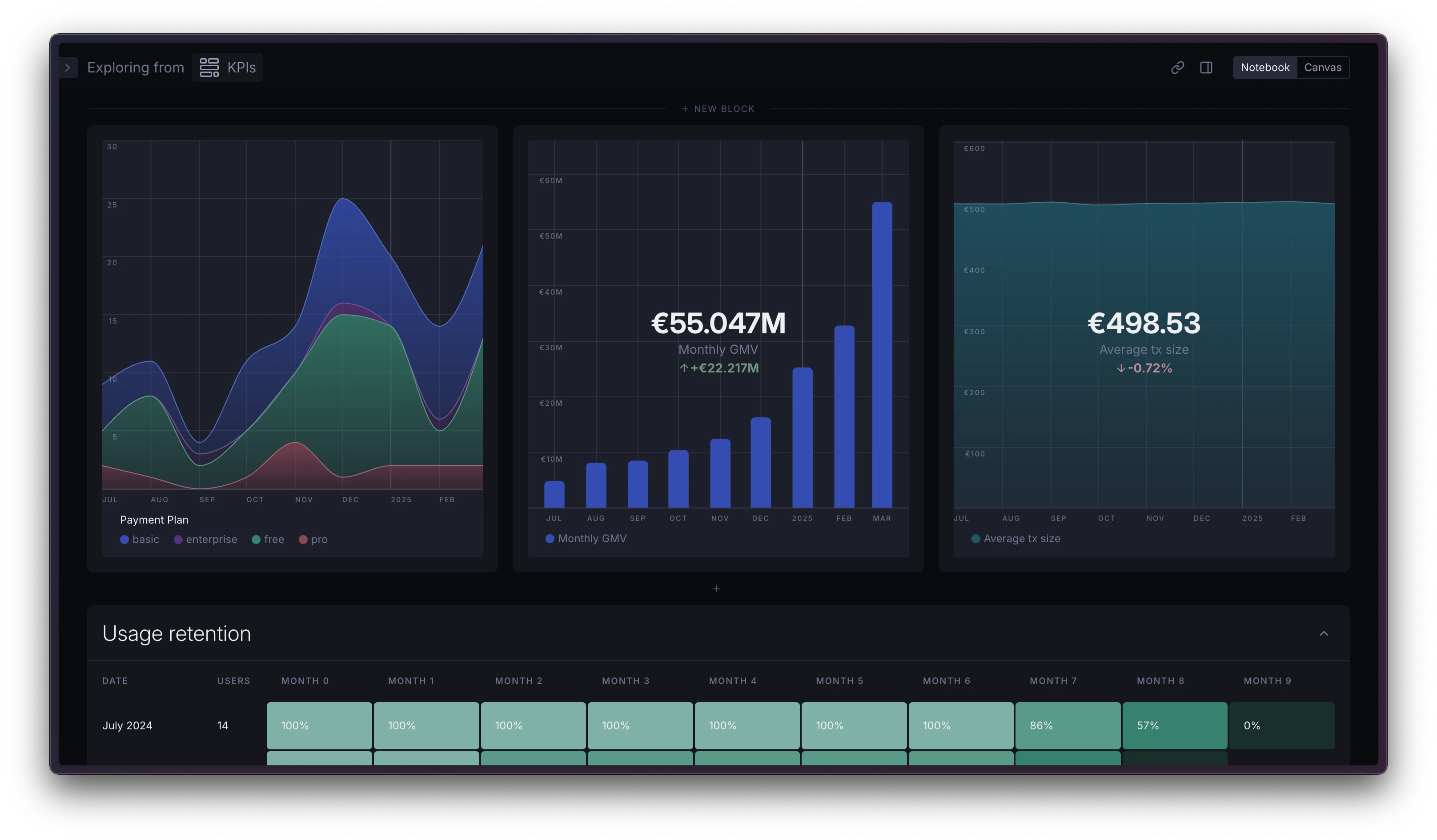
Your Supersimple dashboards can now look more compact:
The 'Reload data' action on a block now also refreshes any associated charts, not just table data.
Chart axes now show whole numbers without decimal places when displaying integer values, with tick marks aligned precisely.
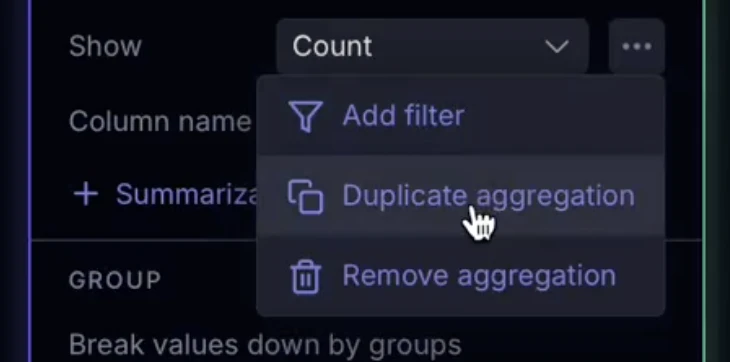
You can now duplicate aggregations to speed up creating similar calculations.
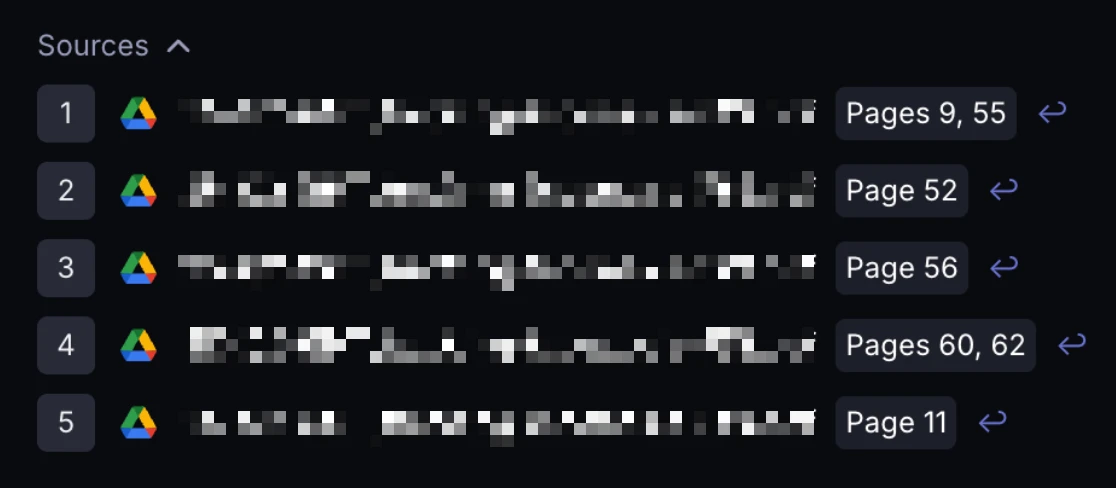
When AI references PDF documents, footnotes now include specific page numbers where the information was found.
Field dropdowns now show each field's type, description and origin data model.
Relation dropdowns show the origin data model and join logic.
You can now drag and drop to reorder chart series that use different visualization types.
You can now configure which data sources are selected by default in a new AI conversation. For those with multiple Supersimple accounts: we now also remember your source preferences on a per-account basis.
You can now ask Supersimple's AI questions through Slack using the /supersimple ask and /supersimple research slash commands.
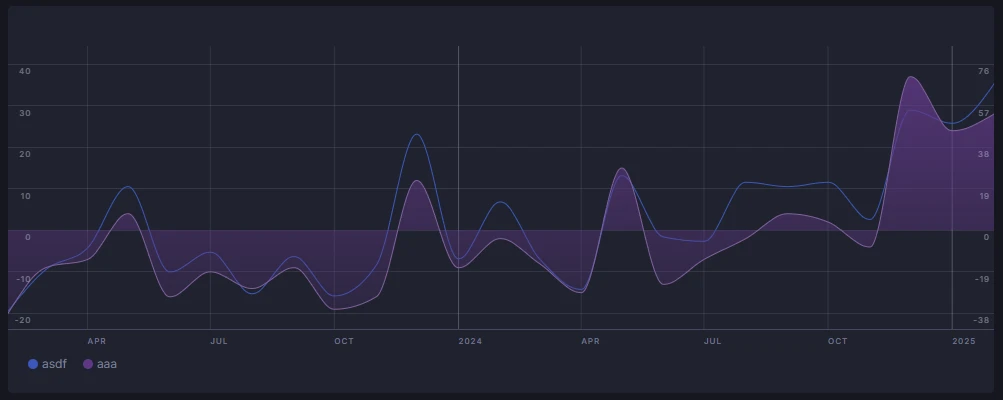
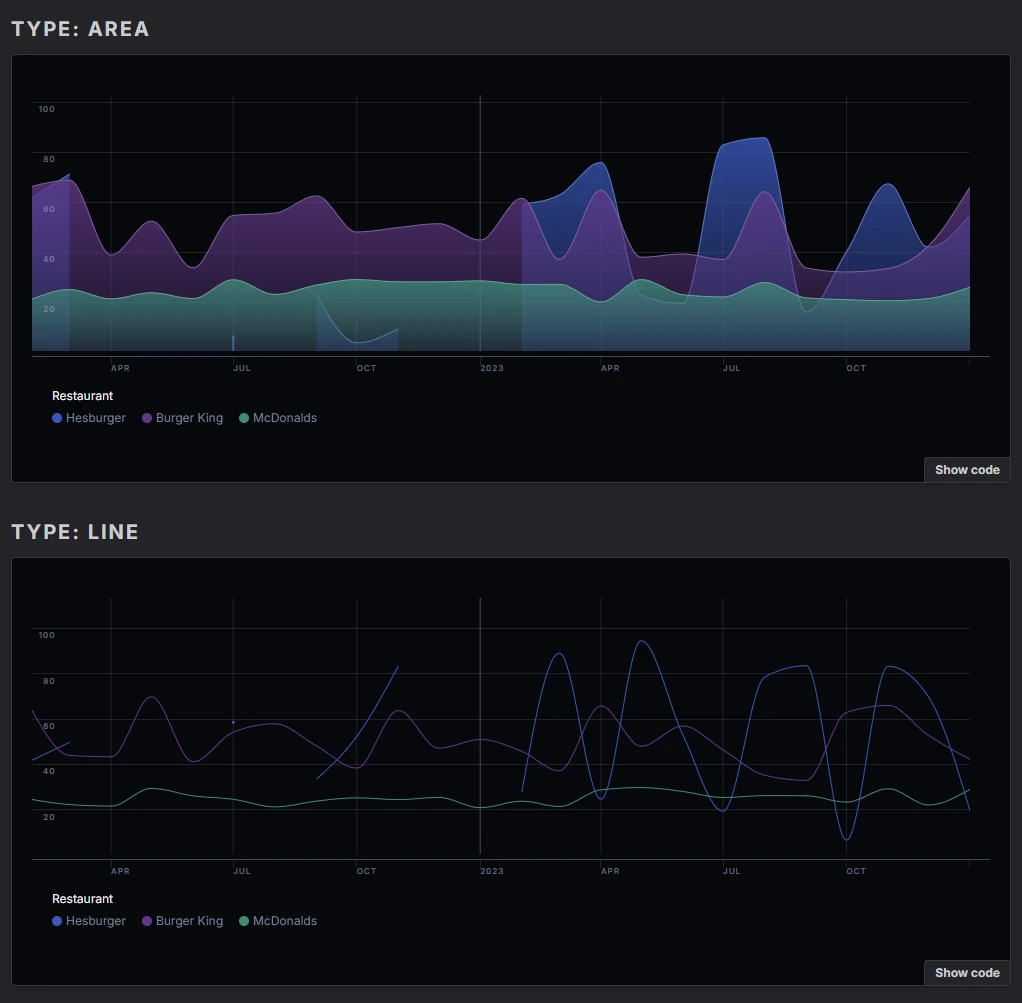
Null values in charts are now displayed as gaps instead of zeros. This should make understanding missing data a bit less confusing!
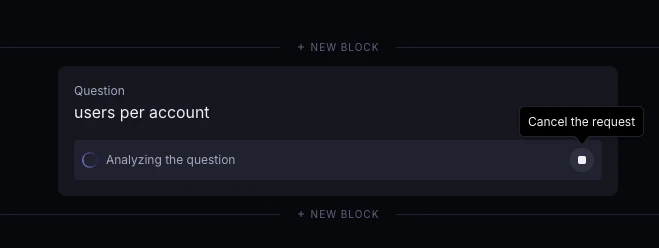
When you cancel a chat request, the responses that were already streamed will now be preserved instead of being discarded.
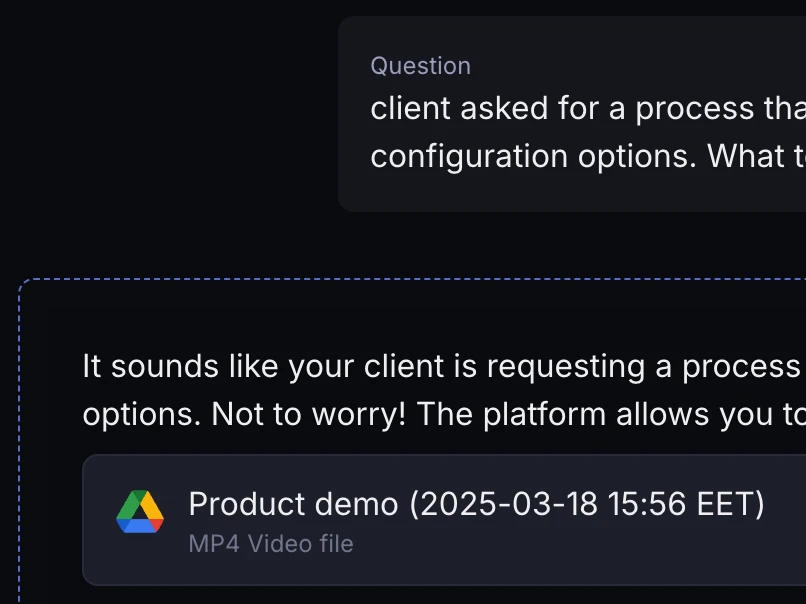
Google Drive references now display the appropriate file type icon based on the document's mime type.
Setting up Slack integrations is now completely self-service. You can add Slack to your account and invite the bot to channels without talking to a single human. The moment you finish setup (under account settings), Supersimple will start indexing your chat history.
Note: only channels that the Supersimple bot is invited to will be indexed by default.

Categorical charts can now be flipped between horizontal and vertical layouts from under the Chart settings in the sidebar.
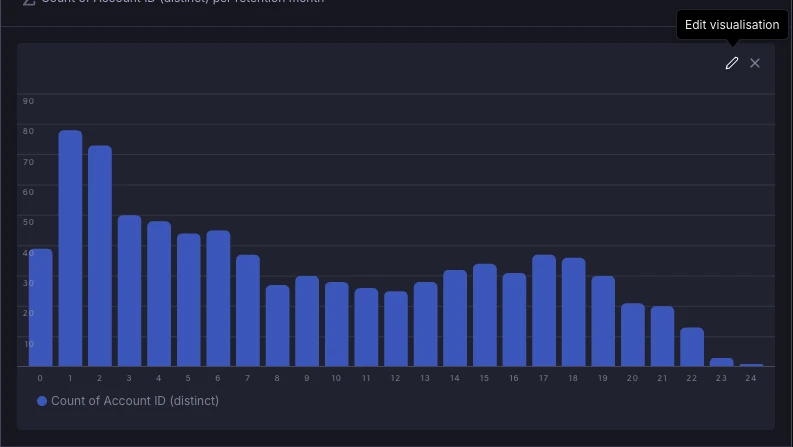
Each hovered chart now shows a quick shortcut to open up that chart's settings in the sidebar.
Google Drive search results now include footnotes to the relevant source documents.
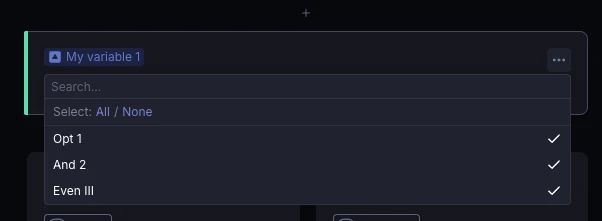
Variable blocks in multiselect mode now include convenient All and None shortcuts to quickly select or deselect all options.