Date Range variables let you use a single Variable for both the start and end date of a filter. Pick a Dynamic range like "this month", or use Specific dates for things like "January 4th" or "all of February 2026".
You can also type the date range you're looking for in plain English, and see a real-time preview of how we interpreted your input.
Applying the Date Range variables to queries is as easy as filtering for some field "is" and then picking your Date Range variable from the dropdown.
User groups allow setting parameters for multiple users at once. Define groups with specific parameters and assign users to them. This way, you can manage permissions for teams or departments without configuring each user individually. User groups can be configured by account admins under settings.
Model-level permissions
Model-level permissions control who can see and query a data model. Hide entire models from users based on their parameters like properties given via user groups or their email.
Define an access block on the model and combine conditions with AND/OR logic to match departments, regions, specific emails, or anything else on the user.
You can now also use custom user parameters in addition to the user's email to filter rows within a model.
Row-level permissions filter which rows a user can access within a model, using {{user_parameters.<key>}} placeholders injected into SQL at query time. Reference the placeholder in the model's sql and each user sees only the rows matching their own parameters.
models:
  orders:
    name: Orders

    sql: |-
      SELECT * FROM orders
      WHERE region IN ({{user_parameters.region}})

    properties:
      order_id:
        name: Order ID
        type: String
      region:
        name: Region
        type: String
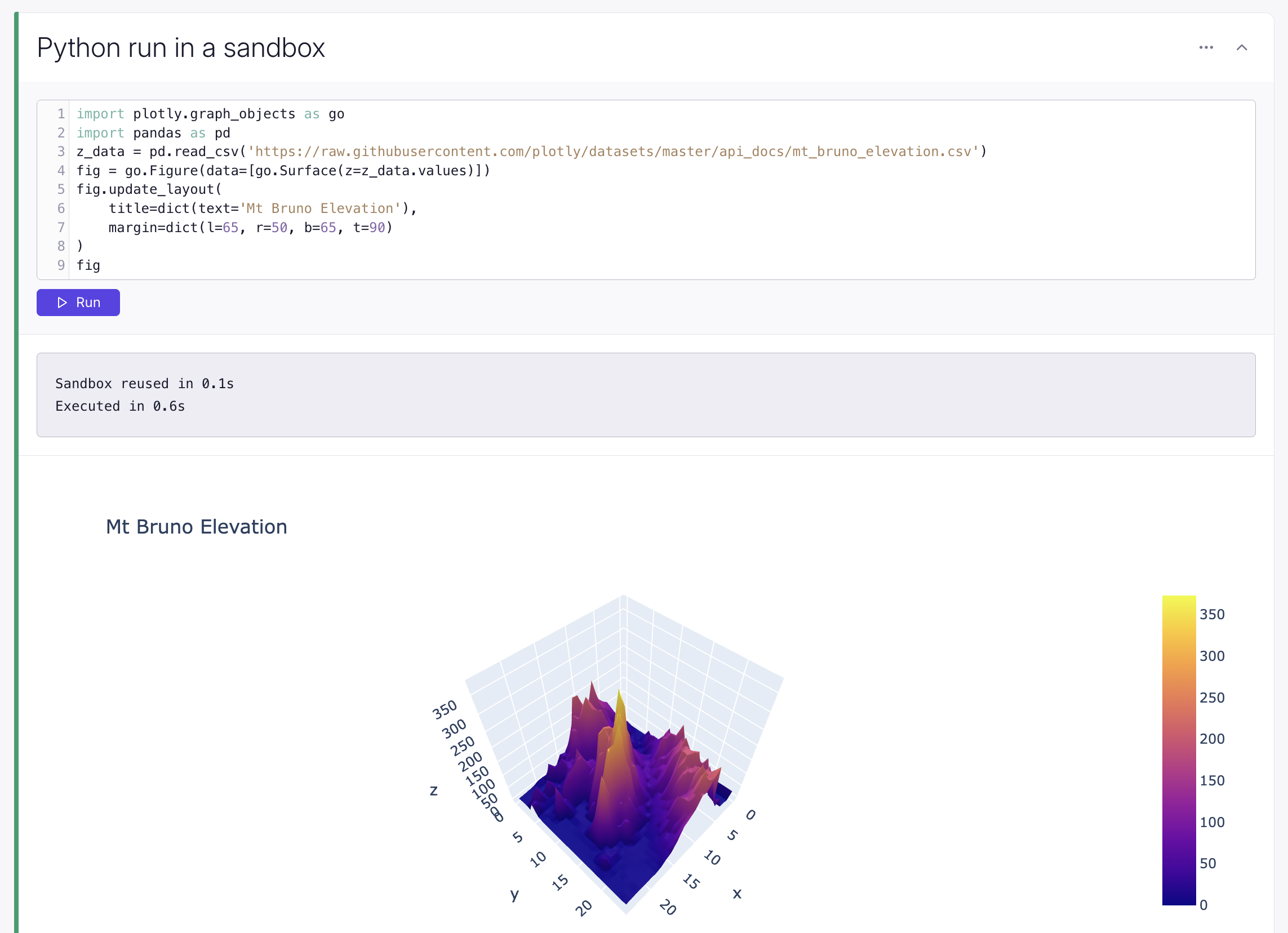
Python blocks now run in configurable sandboxes, instead of using Pyodide in your browser. This means support for any Python package and removes the memory limits of your browser tab.
Sandboxes are isolated between customers, and the default Docker image and machine resources (CPU, memory, and disk) are all configurable.
To use Python blocks inside dashboards, alongside other native blocks, you can now set them to auto-run on exploration load, and hide the code so only the output is shown – both from the right-hand sidebar.
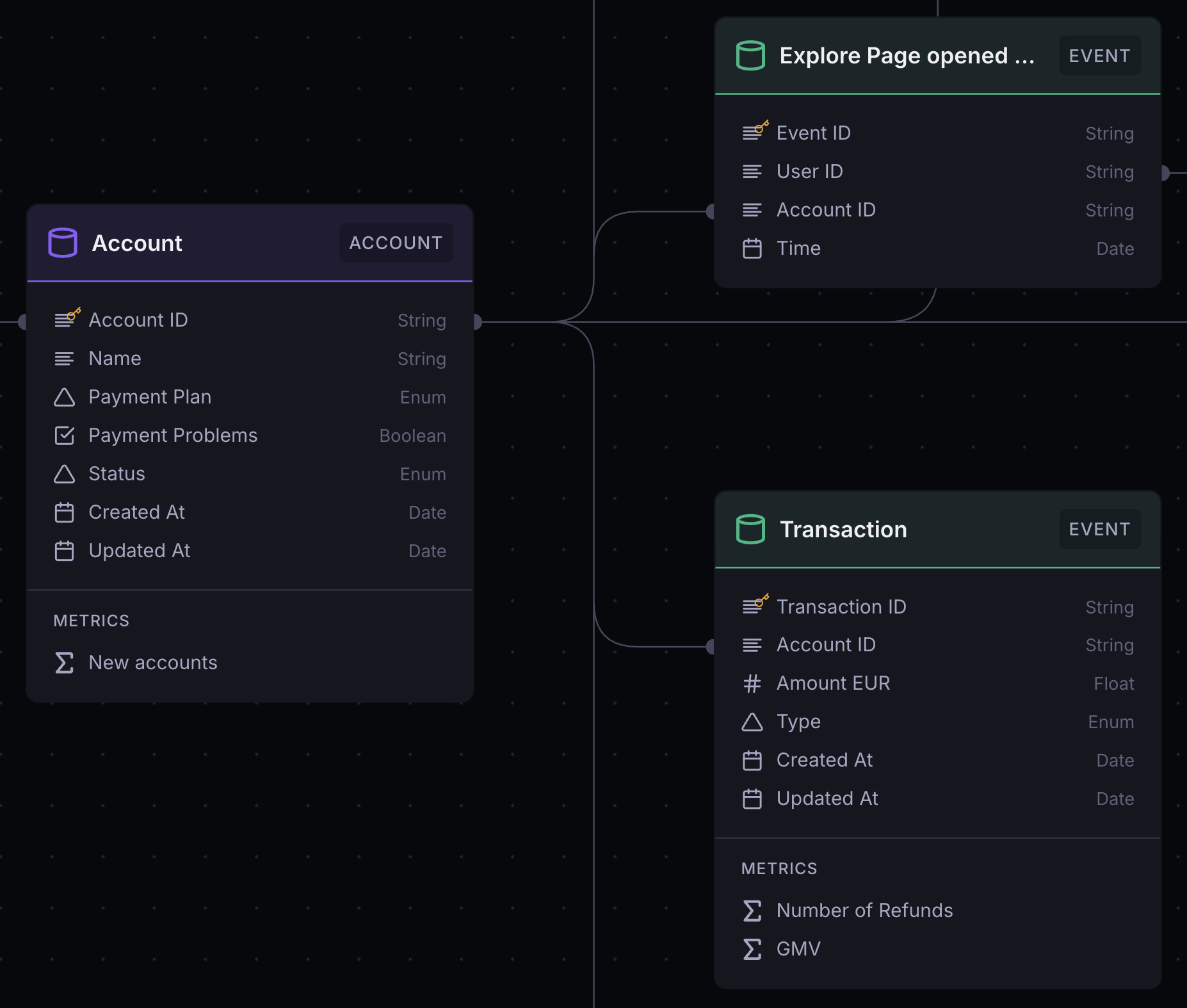
You can now define individual columns on a table-based model using a SQL expression, right where you define other column metadata.
properties:
  name:
    name: Name
    type: String
    sql: "case when {is_internal} then concat('(INTERNAL) ', {name}) else name end"
  name_upper:
    name: Name (uppercase)
    type: String
    sql: "upper({name})"
    description: "The name column, but in uppercase"
Use {column_name} to reference another column, whether from the source table or computed under properties using sql.
You can also use these sql-defined properties in any operations on the same data model, including filters.
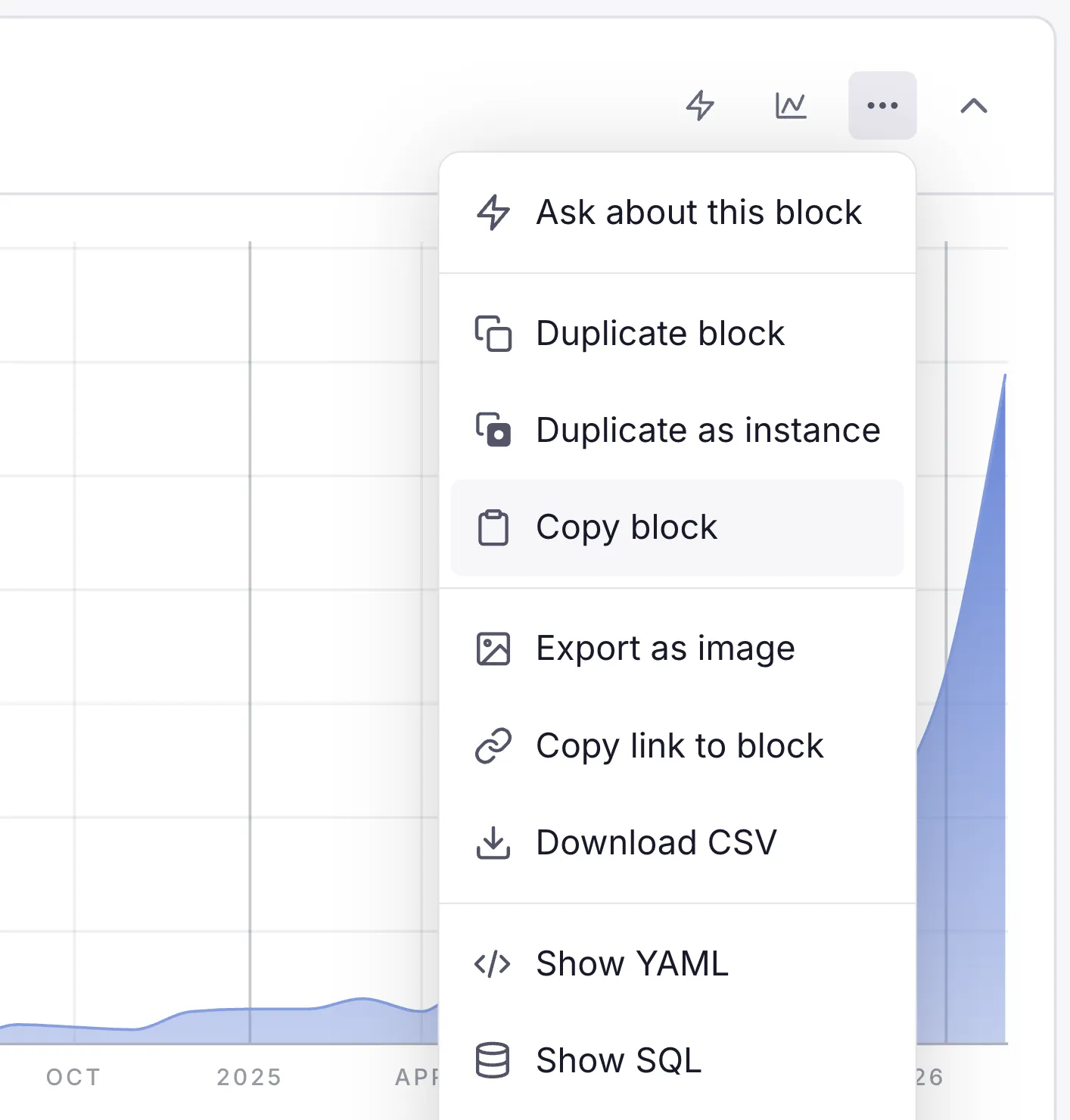
You can now export your models, metrics, and saved explorations to YAML files using Supersimple's CLI. Run supersimple export to try it out!
The import and validate commands have also been upgraded to support glob patterns and directories.
# Export models, metrics, and explorations:supersimple export -o my-config/# Export just the explorations:supersimple export --explorations -o my-config/# Import all explorations from a directory:supersimple import explorations/# Import using glob patterns:supersimple import models/user-*.yaml# See available flags:supersimple export --helpsupersimple import --help
This is particularly useful for managing large bulk changes, including refactoring your data model. You can export your current configuration, make changes in the YAML files, and then re-import everything to apply the updates. On your own, or by letting your coding agent use the CLI.
Semantic layers are great, but it's impossible for them to cover everything. One of the most useful sources for additional context is your codebase itself!
That's why we're pumped to announce Supersimple's native GitHub agent for finding definitions and gotchas from code – things that the analytics agent needs to know about.
Supersimple's GitHub integration spawns powerful coding agents to roam around your repos and pull requests. Pick the repos you'd like to include when setting up the integration, and we'll take care of everything else.
Bringing the context of your codebase into BI is a huge unlock. We can't wait to hear what you think, and all the use cases this unlocks!
AI can now reference and cite information from earlier messages in the conversation without re-searching. This makes responses faster and more context-aware.
Supersimple's AI can now choose to query data in addition to simply operating with model and exploration metadata.
This makes the agent significantly more capable of debugging data issues, cross-referencing things, and jumping back-and-forth between structured and unstructured data sources.
You have full control over which data models the AI may access. Currently available under Research mode for select accounts.
The page now automatically scrolls when you drag a block's resize handle near the edge, making it easier to resize blocks that extend beyond the viewport.
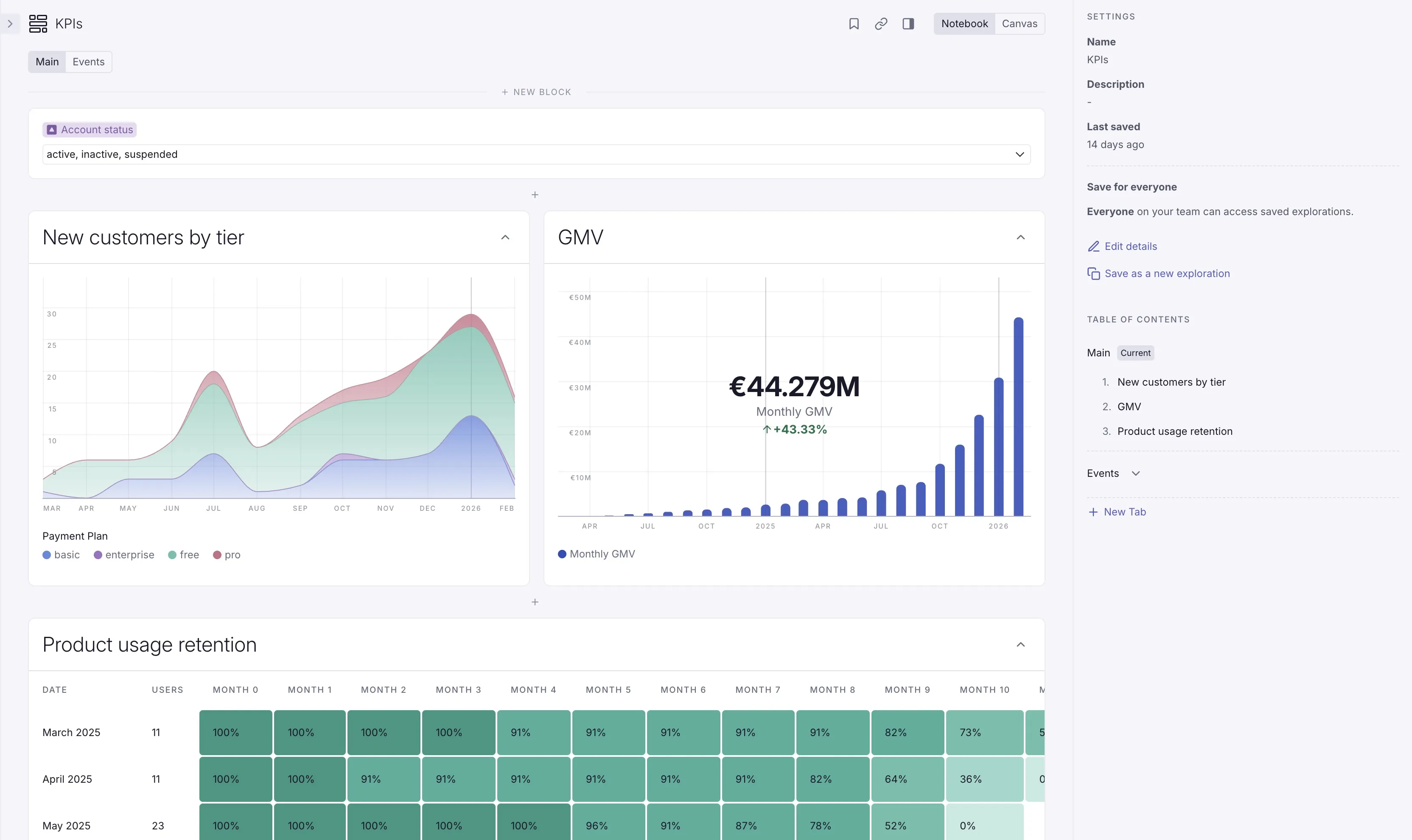
Explorations can now be organized into multiple tabs! Some of the use cases we've seen so far:
One of our most anticipated releases ever: explorations can now be organized into multiple tabs. Some of the use cases we've seen so far:
Sales report: tabs for overview + one for each customer segment
You can now set rollback points between steps to quickly disable all steps below a certain point. This helps understand complex sequences of steps, and to debug intermediary states.
Other improvements
Python blocks now use Jupyter-inspired standards for output display, including better matplotlib state management, mime-type rendering, and warnings when attempting to display multiple outputs. All this to say – they'll work smoother than ever.
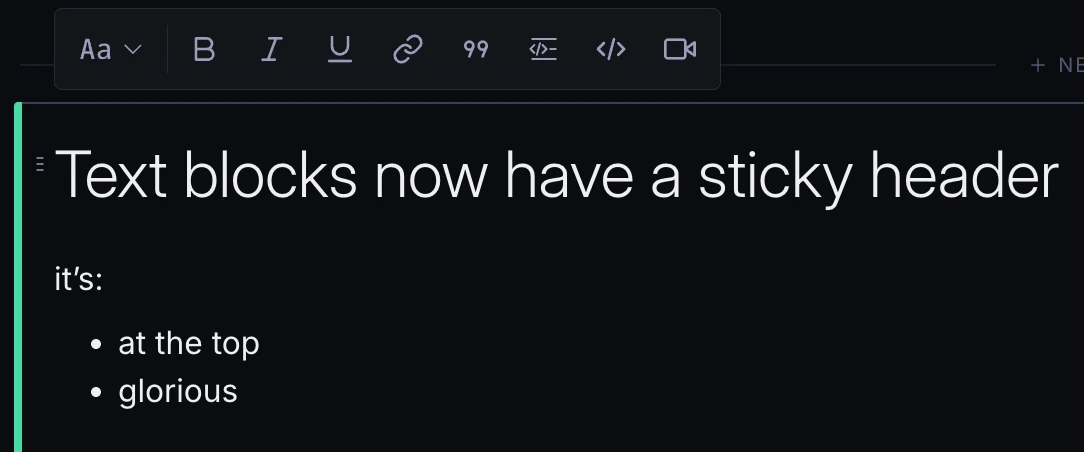
When your cursor is in a text block, you'll now see an improved toolbar for text formatting floating at the top of the text block. That includes text style presets, as well as everything else you might need.
Of course, you can also still type markdown if you're into that!